JPG to PDF Converter (and PDF to JPG) Online
Convert JPG images to PDF or extract PDF pages as JPG. No sign-up, 100% browser-based - your files never leave your device.
How does the JPG to PDF converter work?
To convert JPG to PDF online, the whole job runs entirely in your browser thanks to the jsPDF library and the Canvas API. Once you select files, the images are loaded straight into browser memory and drawn on a hidden canvas element. jsPDF then generates a PDF file with embedded images and triggers the download automatically. You can also combine JPG to PDF in bulk - every image becomes a separate page, so you can merge JPG to PDF in one click. The whole process usually takes one to a few seconds, depending on the number and size of the photos.
- Drop your images - drag JPG, PNG or WebP files onto the field or click to open the file picker. You can select multiple files at once.
- Set the options - choose page size (A4, Letter, auto), orientation (portrait/landscape) and image quality.
- Click "Generate PDF" - the file will be downloaded automatically within seconds.
How to convert PDF to JPG online?
To convert PDF to JPG online, the PDF to JPG mode works through the PDF.js library. Every page of the document is rendered on a canvas element at the chosen scale (72, 144 or 216 DPI) and saved as a JPEG file. If the document has multiple pages, they are packed into a ZIP archive using JSZip. The PDF to JPG converter runs on Windows, Mac, iPhone and Android - any modern browser handles it locally.
- Drop your PDF file - drag or click to select a file from your disk.
- Set the options - choose the rendering scale (DPI) and JPG quality.
- Click "Extract Pages as JPG" - you will download a ZIP archive with all the pages.
Compression, quality and file size - how to dial them in
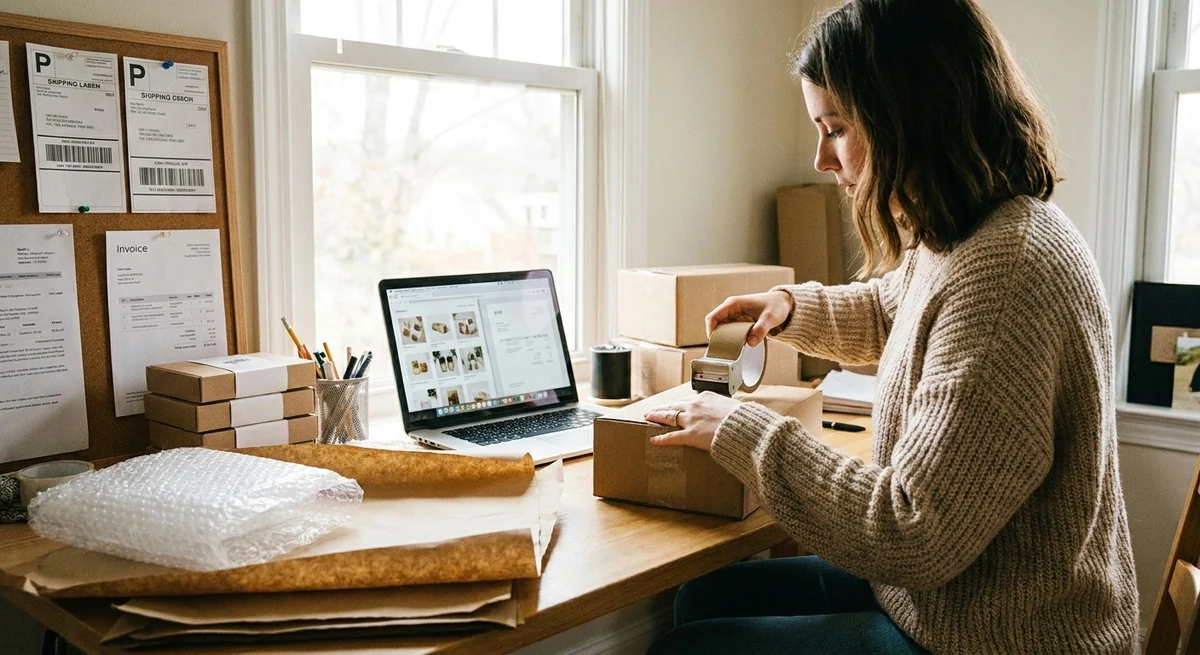
The quality slider in both modes controls JPEG compression (1-100% scale). A value of 92% is the sweet spot - the file ends up 3-4x smaller than at 100%, yet the visual difference is invisible to the naked eye. Below 75% you start to see compression artifacts on smooth gradients and small text.
| JPG quality | File size | Visual quality | Best for |
|---|---|---|---|
| 95-100% | Very large | Excellent | Print, archive |
| 85-92% | Medium | Very good | E-commerce, presentations |
| 75-84% | Small | Good | Web, email |
| 50-74% | Very small | Artifacts visible | Thumbnails |
Why our JPG to PDF converter is safe (100% browser-based)
Most free online converters require you to upload files to a server. Your documents end up in a third-party database. Our converter works differently - all operations run locally in your browser. You can verify it yourself in the Network tab of your browser dev tools (F12).
This matters especially for confidential documents - invoices, contracts, product photos before launch. Our converter eliminates the risk entirely.
JPG vs PDF - when to use which format
JPG is a raster format designed for photos - it is compact and supported everywhere. It is not suited for multi-page documents and loses quality with repeated re-saving.
PDF lets you combine multiple pages, preserves layout and fonts, and is ideal for printing and archiving. Marketplaces and government offices often require documents in PDF format.
Most common use cases (marketplace, work, e-commerce)
- Marketplace documents - Amazon, eBay and Etsy often require certificates and invoices in PDF. Got them as JPG scans? One click and you have a PDF.
- Invoices and receipts - snap a photo on your phone and turn it into a PDF for archiving or expense reports.
- Photography portfolios - combine dozens of product shots into a single PDF to show to a client.
- Sales presentations - slides exported as JPG can be merged into one PDF for an email send.
If you work in product photography or online sales, this converter will save you fifteen minutes a day. Check out our other tools too: resize image online and sharpen photos online.
FAQ - frequently asked questions
Is the JPG to PDF converter completely free?
Yes, the JPG to PDF free converter has no file limits, no registration and no watermarks. The PDF to JPG converter is equally free - you can convert JPG to PDF and convert PDF to JPG as many times as you want.
Which image formats are supported?
The tool supports JPG/JPEG, PNG and WebP. In PDF to JPG mode you can upload any PDF file.
Are my files uploaded to a server?
No. All operations run locally in your browser. Files are not uploaded to any external server.
How many images can I combine into one PDF?
There is no technical limit. For larger jobs (over 50 4K images) the operation may take longer. We recommend batches of up to 50 images at a time.
Does the converter work on mobile?
Yes, the tool is fully responsive and works on iOS and Android smartphones. Just open the page in your mobile browser.
How do I convert a document scan to PDF?
If your scan is a JPG or PNG file - drop it into the tool in "JPG to PDF" mode. Set page size to A4 and click "Generate PDF". Add multiple scan pages and they will be combined into a single multi-page PDF. Works on Windows, Mac, iPhone and Android directly in the browser - no sign-up needed.