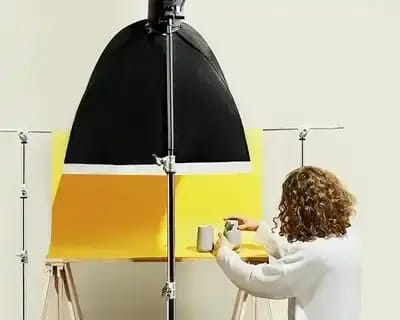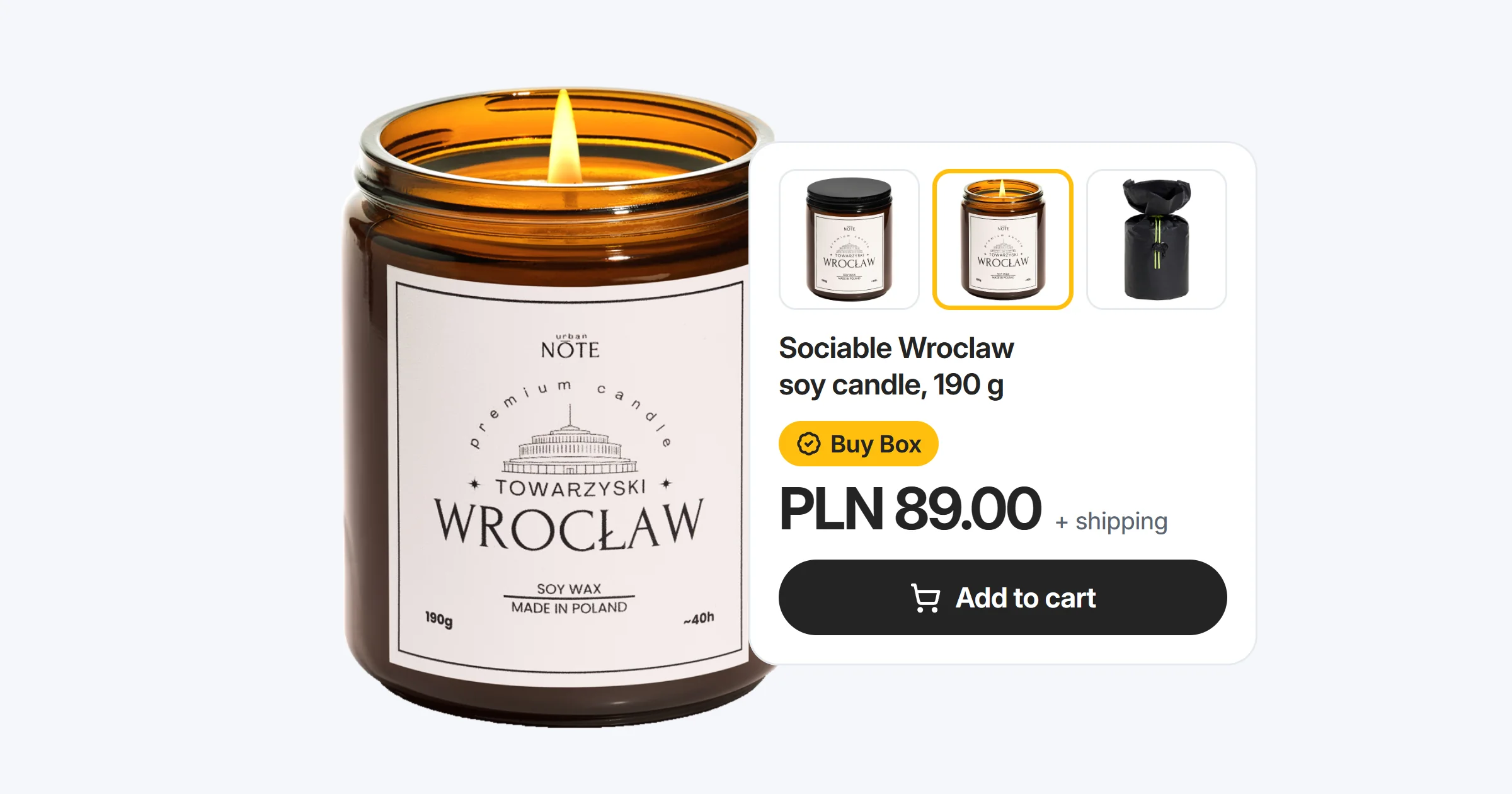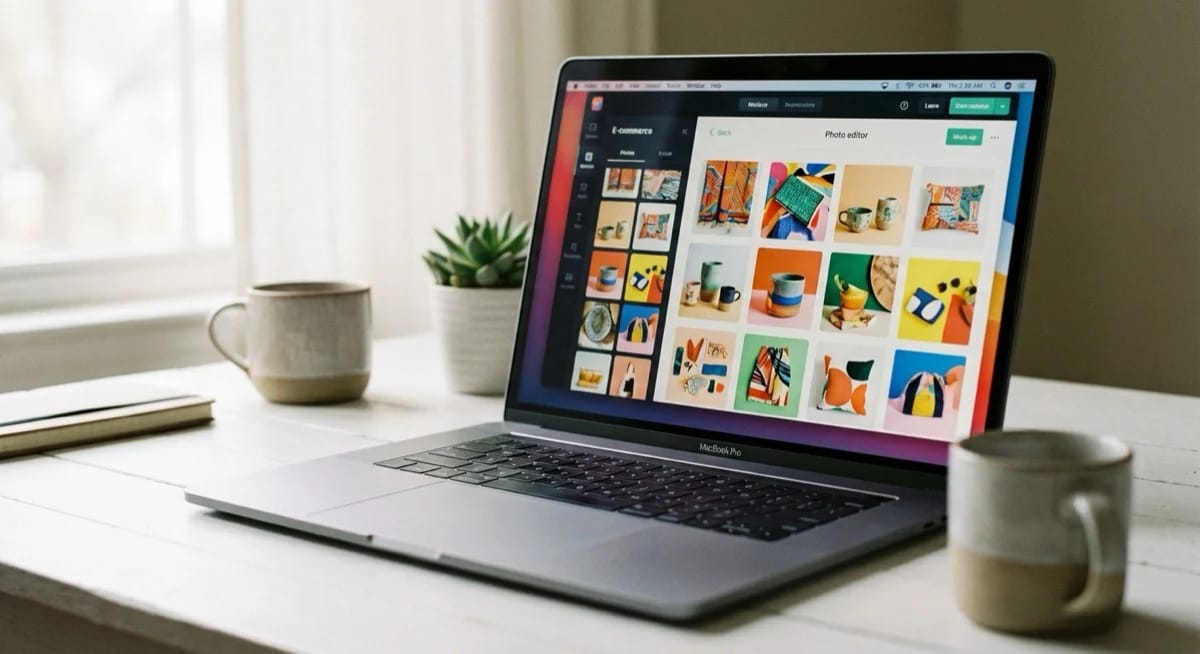
Google has launched Product Studio - a free AI tool for generating product backgrounds directly inside Google Merchant Center. For e-commerce sellers, this is a game-changer - professional product photos without a photo shoot, without Photoshop, and without a design budget. Here is how it works in 2026 and how you can use it to boost your sales.
Key Takeaways
- Product Studio is free - no image limits, built into Google Merchant Center
- 4 AI tools - scene generation, background removal, resolution upscaling, video creation
- 75% of buyers rely on product images when making purchase decisions
- 15-25% higher CTR with professional product photography

Google Product Studio - free AI product image generator
Product Studio is a built-in AI tool in Google Merchant Center that lets sellers generate professional product backgrounds, remove backgrounds from images, upscale resolution and create short product videos. All for free, with no image limits.
The numbers speak for themselves: 75% of shoppers rely on product images when making purchase decisions. At the same time, 65% of rejections in Google Merchant Center are caused by poor image quality. Product Studio solves both problems at once.
The tool is available to all sellers with an active Google Merchant Center account - no extra fees, no subscription, no hidden costs.
How does AI background generation work in Google Merchant Center?
The entire process is straightforward and requires zero design skills. Here is a step-by-step tutorial:
- Log in to Google Merchant Center and navigate to the "Products" section.
- Select the product whose image you want to improve.
- Click "Edit in Product Studio" - the tool opens in a new tab.
- Choose a feature:
- Generate scenes - AI creates a new background based on a text prompt (e.g. "white kitchen with a marble countertop").
- Remove background - automatic background removal and replacement with clean white.
- Increase resolution - AI upscales your image without losing quality.
- Generate videos - create short product clips from a single photo.
- Enter a prompt describing the background you want.
- Pick the best variant from 4 AI-generated options.
- Download or publish - the image automatically updates in your product feed.

Generating a single background takes 10 to 30 seconds. The AI analyses your product, automatically cuts it out, and places it in a new scene with proper lighting and shadows. That said, the quality of AI-generated backgrounds depends entirely on the quality of your original product photo - a sharp, well-lit source image gives the algorithm far more detail to work with.
How much does Product Studio cost? It is FREE in Merchant Center!
Product Studio is completely free for all Google Merchant Center users. There are no volume limits - you can generate backgrounds for hundreds or thousands of products at no charge.
For comparison - a traditional product photography session costs between £400 and £4,000 per day. Alternative AI tools (Photoroom Pro, Canva Pro) require subscriptions ranging from £8 to £25 per month. Google offers the same for free.
Product Studio vs Photoroom vs Canva AI vs GPT Image - comparison
Several AI tools for generating product backgrounds exist on the market. Here is a detailed comparison:
| Feature | Google Product Studio | Photoroom | Canva AI | ChatGPT (GPT Image) |
|---|---|---|---|---|
| Price | Free | From £8/mo | From £11/mo | From £17/mo |
| Background removal | Yes | Yes | Yes | Yes |
| AI scene generation | Yes | Yes | Limited | Yes |
| Resolution upscaling | Yes | Yes | No | No |
| Video generation | Yes | No | No | No |
| GMC feed integration | Native | Export | Export | Export |
| Batch processing | Yes | Yes (Pro) | No | No |
| Product cutout quality | Very good | Excellent | Good | Average |
Product Studio's biggest advantage is its native integration with Google Merchant Center - images go straight into your feed without any export or import steps. Photoroom still wins on cutout quality, but at the cost of a subscription. It is worth noting that AI excels at backgrounds and lighting, but product details - texture, colour accuracy, material feel - must come from the original photograph and cannot be generated. Check out our guide to the best AI photo editors for more options.

How to use AI backgrounds for marketplace sales
Product Studio generates high-resolution images that are perfect for Amazon, eBay, Etsy and other marketplaces. Here is a proven workflow:
- Main image - white background (required by Amazon and most marketplaces). Use the "Remove background" feature.
- Lifestyle shots - generate 3-4 contextual scenes (e.g. product in a kitchen, on a desk, in a bathroom). Use "Generate scenes".
- Infographics - combine AI images with text showing dimensions and product features.
- Product video - generate a short clip using "Generate videos" and add it to your listing.
Sellers using professional product images report 15-25% higher CTR compared to amateur photography. At scale, that translates directly into revenue.
EU AI Act and AI-generated product images
Since 2026, the EU AI Act introduces requirements around labelling AI-generated content. Do you need to label images from Product Studio?
In short - product photos with an AI-generated background do not require labelling as AI-generated, as long as the product itself is real. Fully AI-generated images of non-existent products, however, must be labelled. We covered the full regulation in our article on the EU AI Act and product photography.
FAQ - frequently asked questions
Yes, Product Studio is completely free for all Google Merchant Center users. There are no volume limits or hidden fees - you can generate AI backgrounds for any number of products.
Yes, images generated in Product Studio can be downloaded and used on any platform - Amazon, eBay, Etsy, or your own online store. The images are high-resolution and meet the requirements of all major marketplaces.
Under the EU AI Act, product photos with an AI-generated background do not require special labelling, as long as the product itself is real. The labelling requirement applies to fully AI-generated images of non-existent products.
Product Studio generates good quality images that are more than sufficient for e-commerce and marketplaces. Professional photography still delivers better results in terms of detail and lighting, but for most sellers AI backgrounds are perfectly adequate - especially when dealing with large product catalogues. However, without a quality base image, even the best AI will produce results that look artificial rather than authentic - the AI enhances what is already there, it cannot invent product detail that was never captured.
Summary
Google Product Studio is a game-changing tool for e-commerce sellers. Free AI product backgrounds in Google Merchant Center remove the cost barrier to professional product images. Combined with scene generation, background removal, resolution upscaling and video creation - it is the most powerful free AI product image generator available in 2026.
If you run an online store or sell on marketplaces, set up your Google Merchant Center account and try Product Studio today. And if you need professional product photography taken to the next level - marszalstudio will help you create images that truly sell.