In 2026, AI image generators are used by over 100 million people every month - from marketers to product photographers.
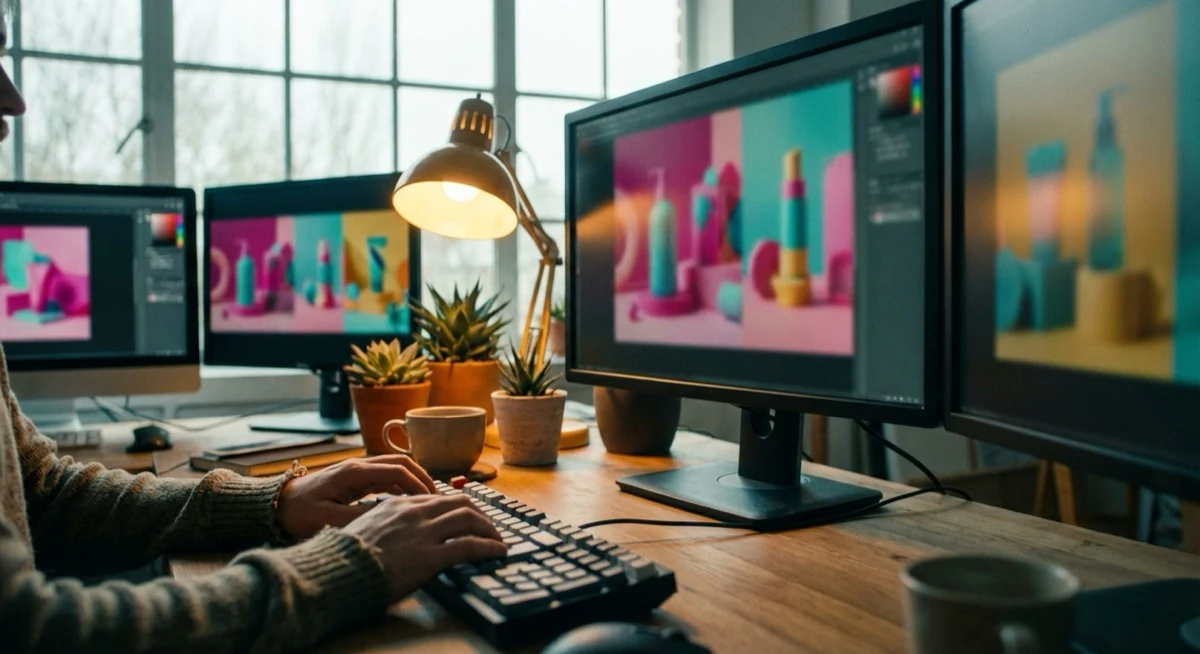
Within just a few seconds - by typing a simple text description - you can produce professionally looking graphics, product backgrounds, illustrations, or photorealistic scenes.
The market is growing at a staggering pace: back in 2022, Midjourney was a niche tool for enthusiasts, yet today AI generators are used by millions of online shops, creative agencies, and photographers.
The choice, however, is overwhelming. Midjourney, DALL-E 3, FLUX, Adobe Firefly, Ideogram, Canva AI, Stable Diffusion, Google Imagen - each of these tools does something different and excels in different use cases.
In this ranking I have gathered the 8 best AI image generators for 2026, compared their capabilities, prices, and free options - so you can choose the tool that fits your needs.
One caveat upfront: AI is excellent at generating backgrounds, scenery, and atmosphere - but product details (fabric texture, metal sheen, exact paint colour) must always come from a real photograph. We will return to that later in this article.
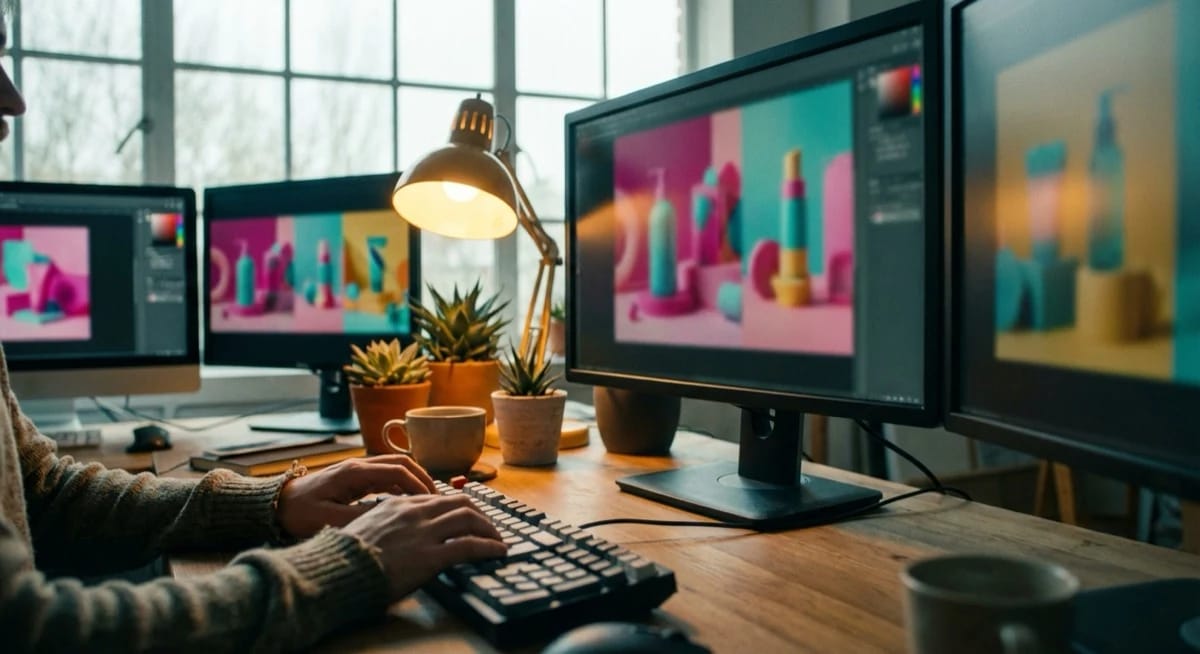
What is an AI image generator and how does it work?
An AI image generator is a tool that creates images from scratch based on a text description (known as a prompt).
The technology behind it is primarily diffusion models - they learn from hundreds of millions of image-description pairs and are then able to "reconstruct" an image matching a new description.
AI image generators operate in two modes:
- Text-to-image - you type a description and the tool generates an image from scratch. This is the most common mode, available in all tools.
- Image-to-image - you upload a base photograph and describe how it should be modified. You can, for example, change a product background, add studio lighting, or move the product into a different setting.
The difference between tools lies mainly in output quality, supported styles, free generation limits, and how they operate (cloud-based vs. local).
Below you will find a detailed comparison of the 8 best options.
Ranking: 8 best AI image generators in 2026
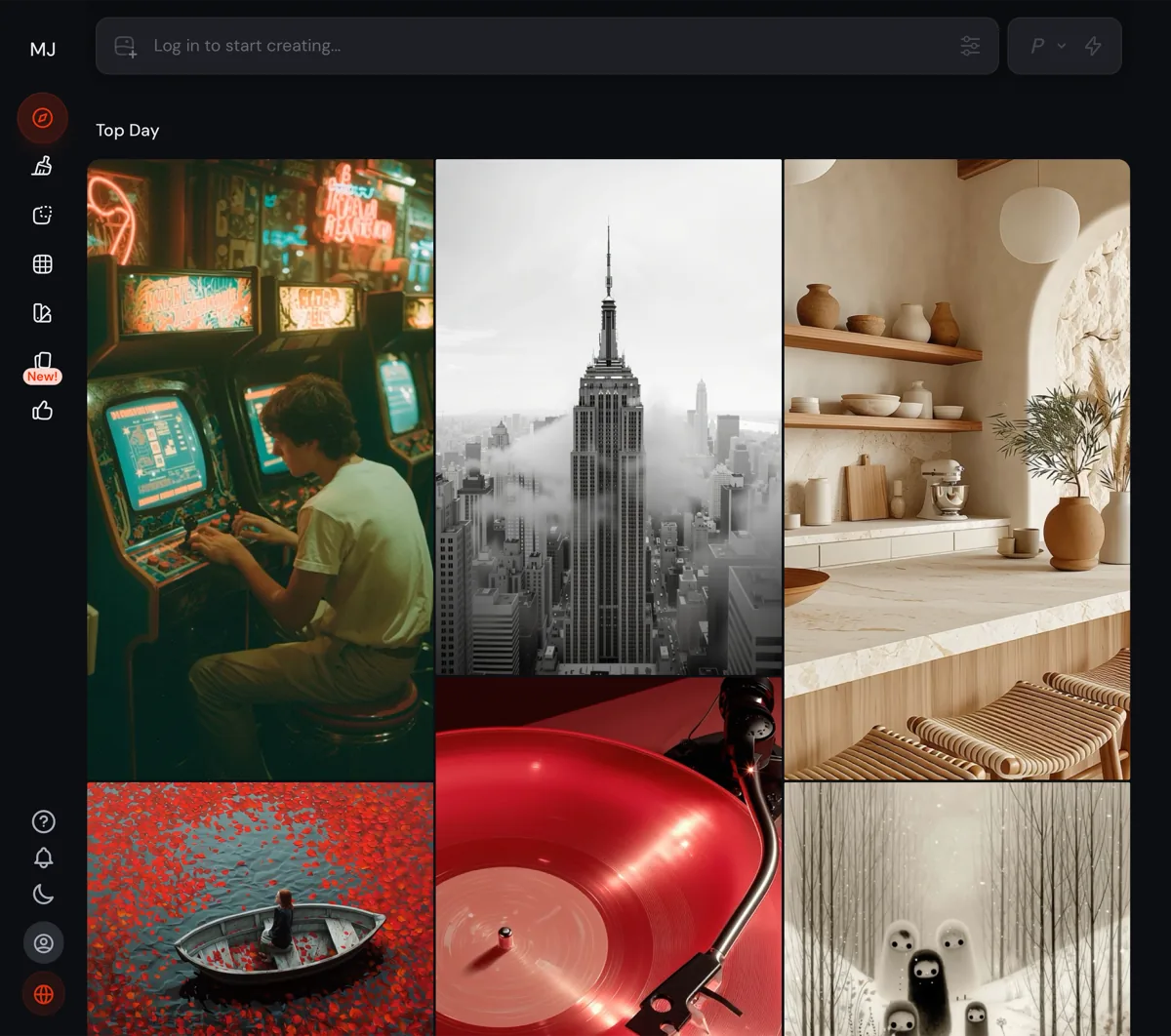
1. Midjourney - highest artistic quality
Midjourney remains number one for artistic quality among all AI image generators.
Photorealism, painterly aesthetics, consistent visual style - no other tool achieves such impressive results "out of the box", without complex settings. For years Midjourney was only accessible via Discord, which put many people off - today it has its own web application at midjourney.com.
Best for: artistic graphics, high-quality product mockups, marketing materials, covers, and conceptual visualisations.
- Pros: highest image quality, consistent aesthetics, excellent photorealism, huge community
- Cons: no free plan, subscription only, limited image-to-image capabilities
- Price: from $10/month (Basic) to $120/month (Pro)
- Free tier: none (a free trial existed previously but has been removed)
2. DALL-E 3 (ChatGPT) - easiest to use
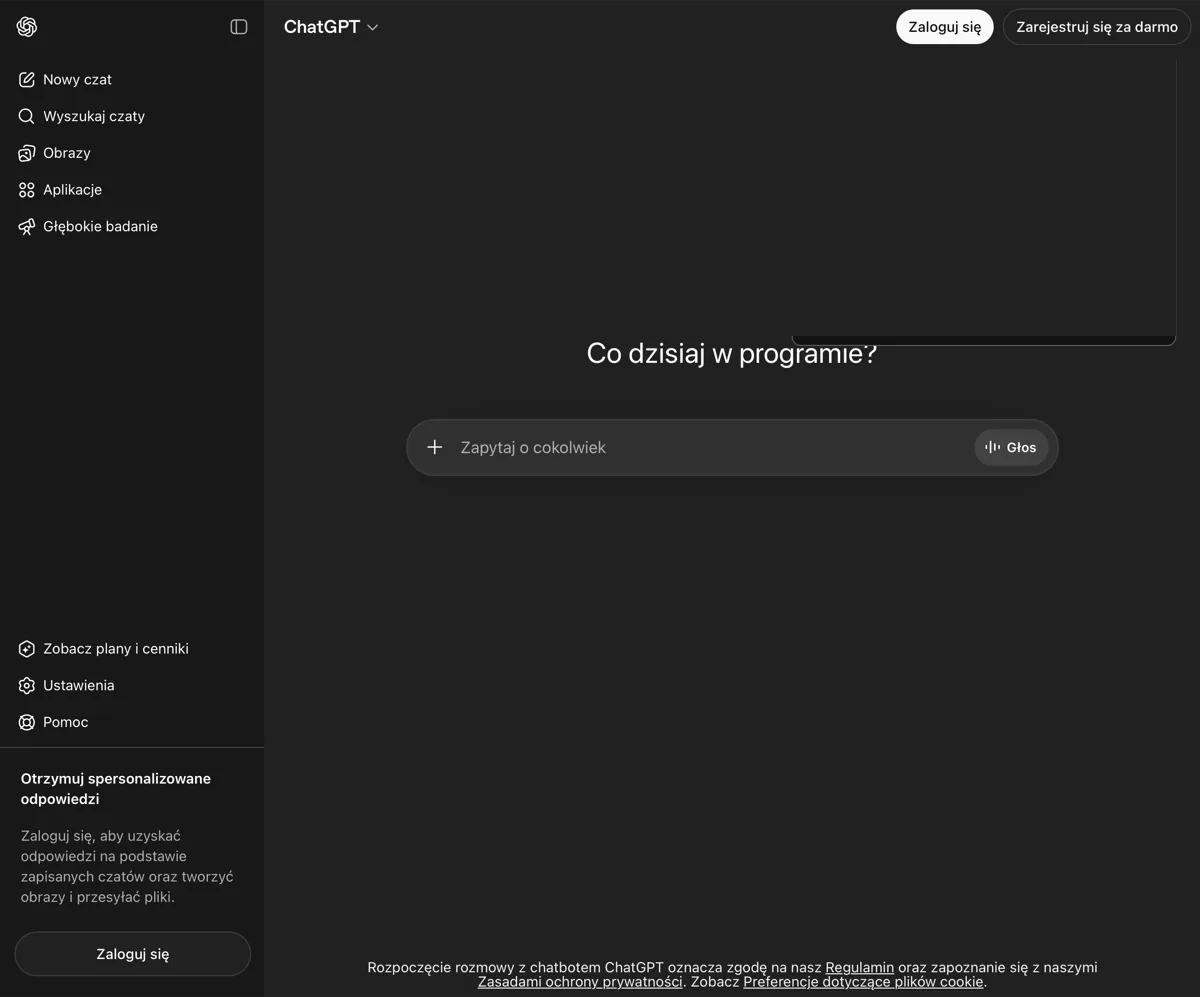
DALL-E 3 is OpenAI's model integrated directly into ChatGPT.
This makes it the most intuitive AI image generator - you write in natural language and ChatGPT automatically optimises the prompt and generates the image.
No special commands or prompt structures are needed.
DALL-E 3 is also available for free via Microsoft Copilot (formerly Bing Image Creator) - making it one of the best options for anyone looking for a free AI image generator without needing to register on a separate platform.
Best for: quick prototypes, social media graphics, natural-language prompting, and everyday office use.
- Pros: natural-language prompting, ChatGPT integration, free via Copilot
- Cons: strong content moderation, less style control than Midjourney
- Price: free (Copilot/Bing) or included in ChatGPT Plus ($20/month)
- Free tier: yes - Microsoft Copilot, no separate sign-up required via Bing
3. Google Imagen / Product Studio - best for products
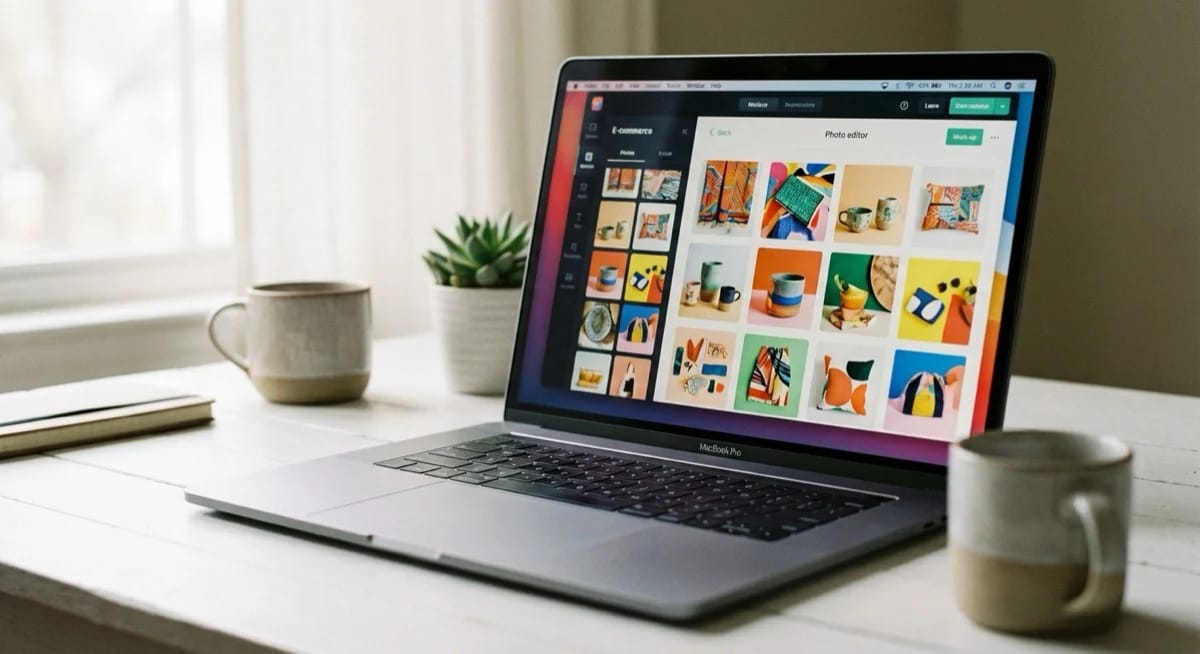
Google Imagen is the model powering Google Product Studio - a tool built specifically for retailers and e-commerce.
Product Studio lets you upload a product photo and automatically generate a professional background, change the scene, or adjust the lighting. It is one of the most interesting use cases of AI in product photography.
Google Product Studio is available free of charge for sellers using Google Merchant Center.
You can read more about the capabilities of this tool in our article on Google Product Studio - AI product backgrounds.
Best for: automated product background changes, e-commerce, Google Merchant Center, and quick visualisations for online shops.
- Pros: free for Google sellers, excellent e-commerce integration, simple interface
- Cons: limited use cases beyond e-commerce, requires a Google Merchant Center account
- Price: free (Google Merchant Center)
- Free tier: yes
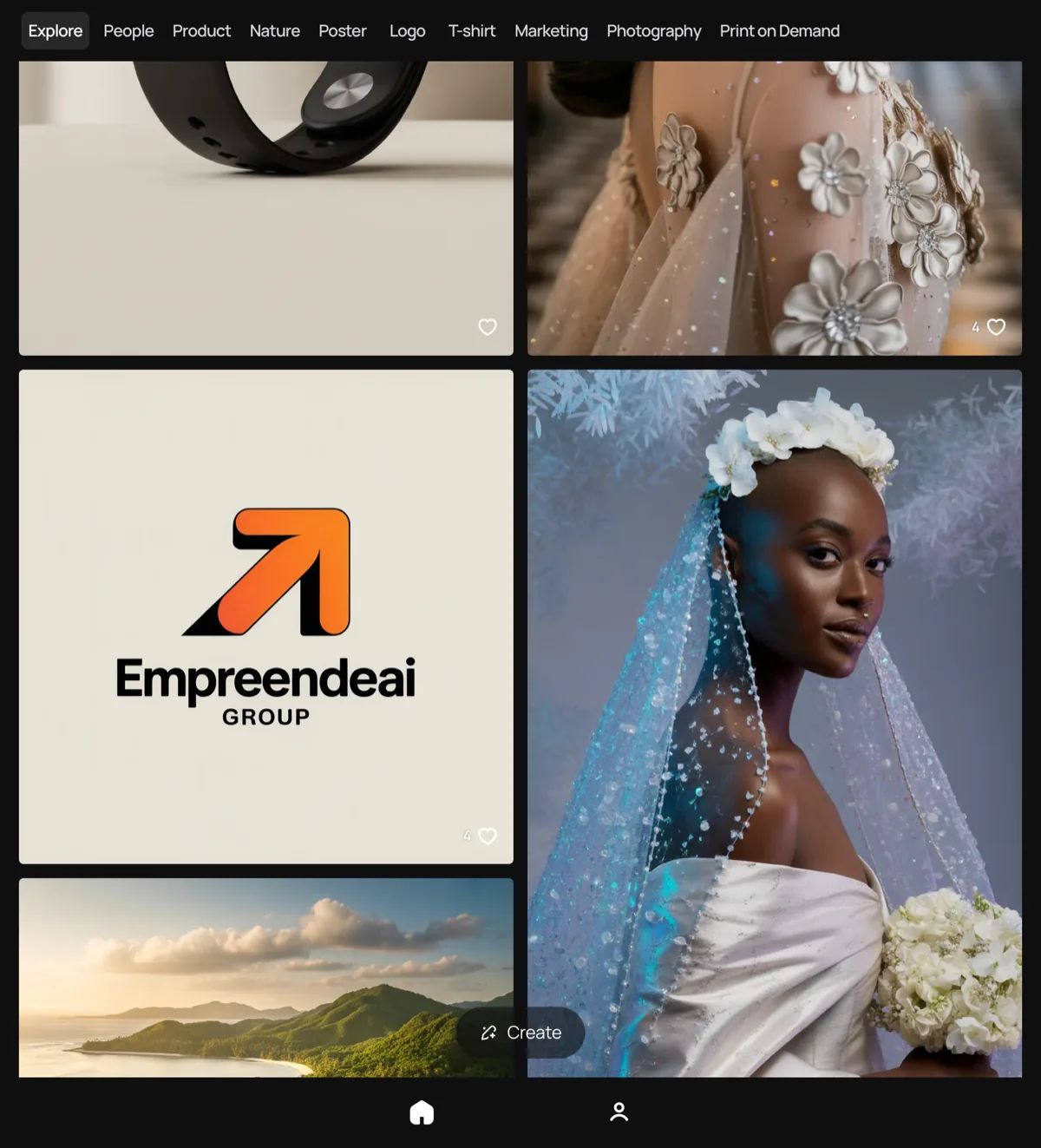
4. Ideogram AI - best text on images
For years, text was the Achilles heel of all AI generators - tools produced unreadable letters, typos, and gibberish instead of clean text.
Ideogram AI solved this problem. It is the only generator that reliably renders legible text as part of the generated image - a slogan on a T-shirt, a heading on a poster, a logo on a product.
Best for: posters, advertising banners, designs featuring text, logo mockups, and event promotional materials.
- Pros: excellent text rendering, free plan, straightforward interface
- Cons: weaker photorealism than Midjourney, limited advanced options
- Price: free plan available; from $7/month for premium
- Free tier: yes - with a daily generation limit
5. FLUX - best open source
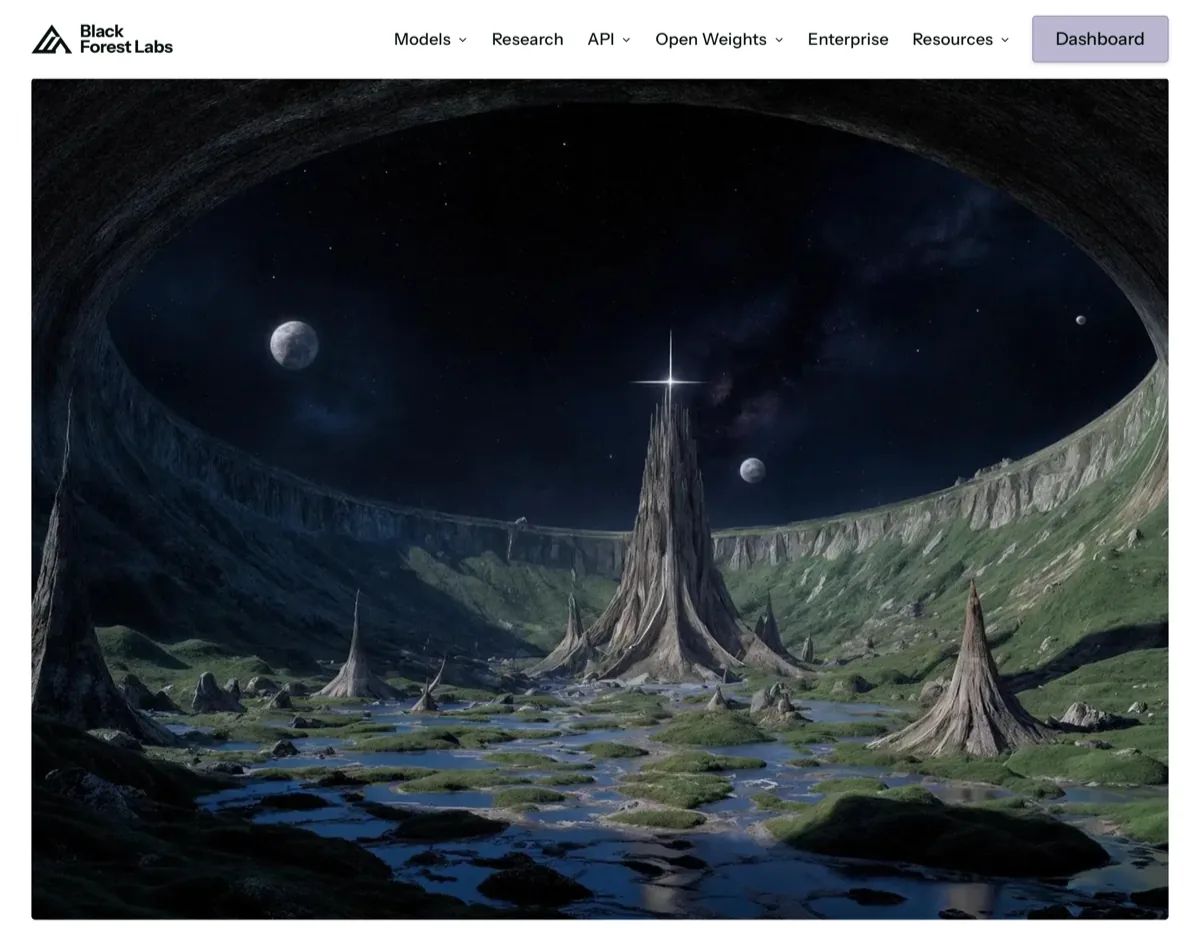
FLUX (from Black Forest Labs) is currently the best open-source AI image generation model.
The quality of generated graphics is comparable to paid tools, and the model can be used locally or through platforms such as Replicate, fal.ai, or Hugging Face. FLUX stands out particularly for its photorealism and accuracy in rendering fine details.
Best for: advanced users who want full control, integration into custom production pipelines, and commercial applications without licensing fees.
- Pros: open source, high quality, no censorship (local version), commercial licence
- Cons: requires technical knowledge to run locally, smaller community than Stable Diffusion
- Price: free (model) or via API (approx. $0.003-$0.05 per image)
- Free tier: yes - via Hugging Face Spaces
6. Stable Diffusion - most flexible (local)
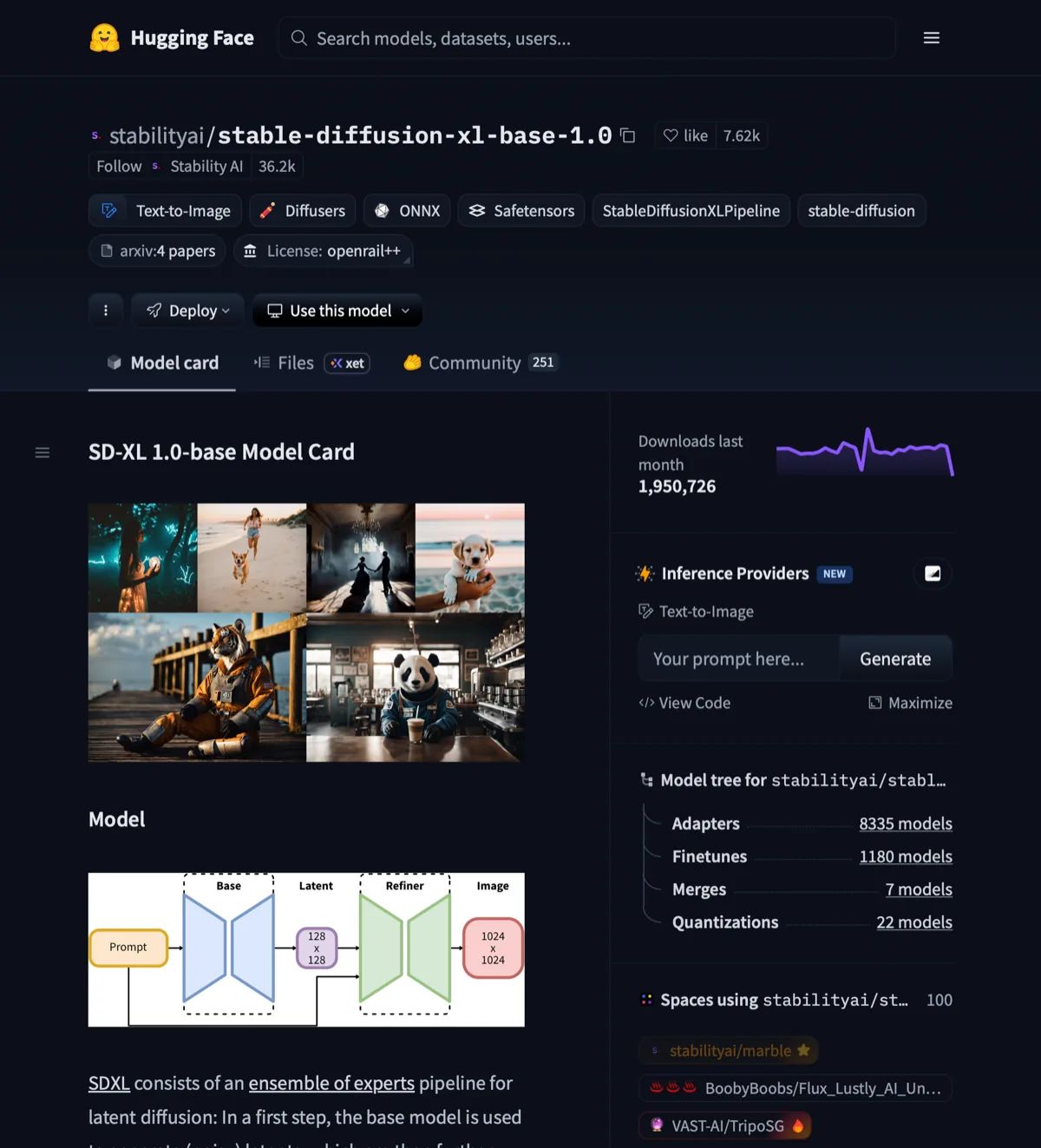
Stable Diffusion is the open-source pioneer of AI image generation and remains the most flexible tool available locally.
You can install it on your own computer (an NVIDIA GPU with at least 6 GB VRAM is required), which means no limits, no censorship, and complete privacy. The ecosystem of models, plugins, and interfaces (ComfyUI, Automatic1111) is enormous.
Best for: advanced workflows, inpainting (filling in parts of an image), fine-tuning on your own dataset, and processing large numbers of images without per-generation costs.
- Pros: completely free locally, unlimited generations, vast community and ecosystem
- Cons: requires powerful hardware, complex setup for beginners
- Price: free (locally) or via the Stability AI API
- Free tier: yes - locally with no limits whatsoever
7. Canva AI (Magic Media) - best for non-designers
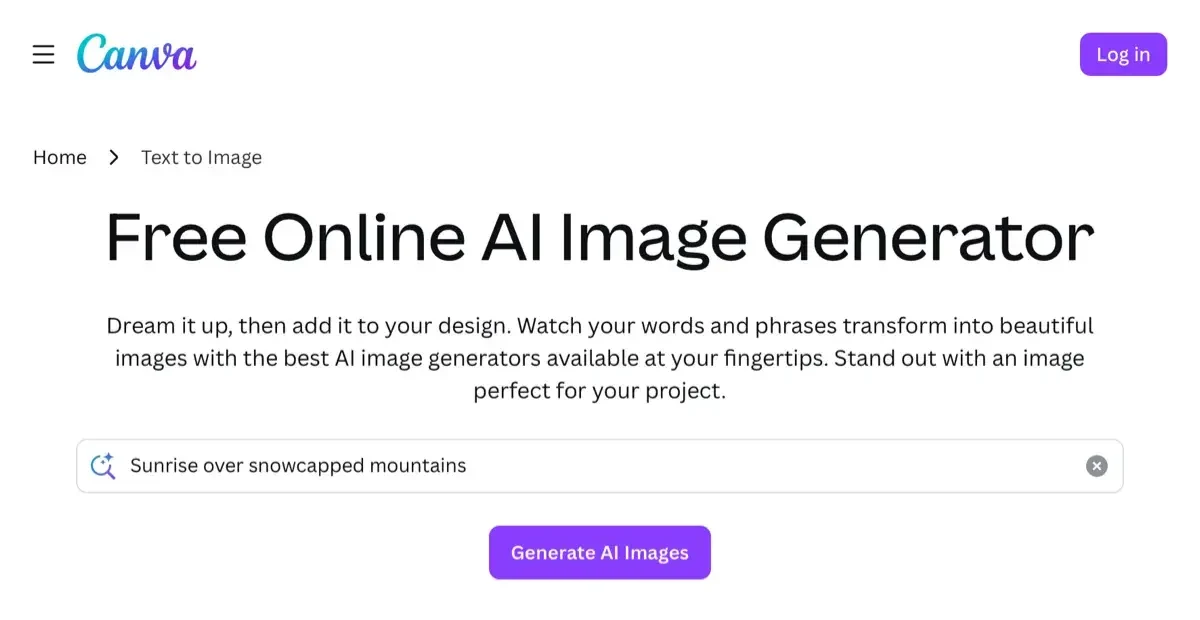
Canva has integrated an AI image generator (Magic Media) directly into its graphic design platform.
This makes it the easiest option for people without design experience - you generate an image and immediately use it in an Instagram post, a banner, or a presentation, all without leaving the app.
Canva AI also supports text-to-image in various languages and offers 50 free generations per month on the free plan.
It is a good option as an AI photo editor for small businesses and content creators.
Best for: creating social media content, simple banners, blog graphics, and quick marketing projects.
- Pros: everything in one place, free plan (50 generations/month), multi-language support
- Cons: lower quality than specialist generators, limited style options
- Price: free plan; Canva Pro from approx. £14/month
- Free tier: yes - 50 AI generations per month
8. Adobe Firefly - safest legally
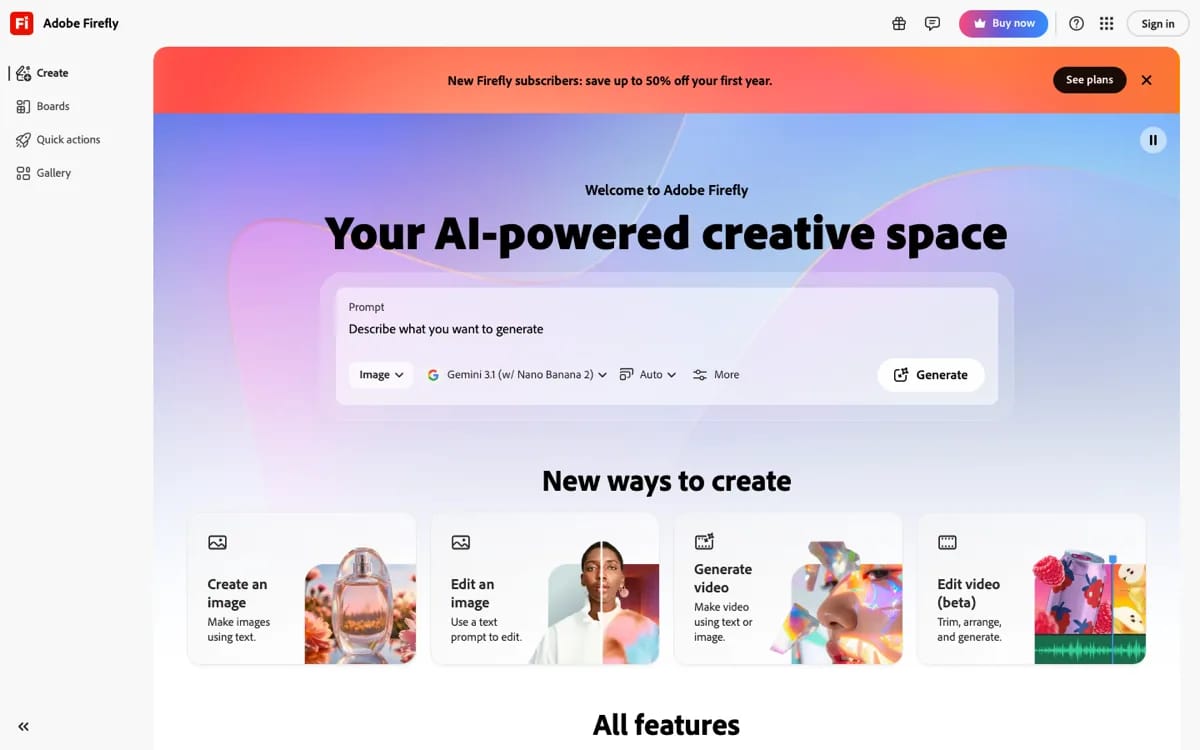
Adobe Firefly is an AI image generator built with professionals and businesses in mind - those who need certainty about copyright.
All of Firefly's training images are licensed or in the public domain - Adobe guarantees commercial protection and takes legal responsibility for generated content. This is a unique proposition in the market.
Firefly is integrated with Photoshop (Generative Fill), Illustrator, and Express - making it the natural choice for Adobe Creative Cloud users.
Best for: professional commercial projects, advertising agencies, materials requiring clean copyright, and editing within the Adobe ecosystem.
- Pros: 100% commercially safe, Adobe CC integration, copyright guarantee
- Cons: high cost with an Adobe subscription, less creative freedom than Midjourney
- Price: free plan (25 credits/month); plans from approx. £4/month or included in Adobe CC
- Free tier: yes - 25 generations per month with no payment required
Free AI image generator - which tools require no payment?
Good news: a free AI image generator is today the norm, not the exception.
The majority of leading platforms offer a free plan or a free trial with a limited number of generations. Here is a summary:
| Tool | Free generations | Registration required | Notes |
|---|---|---|---|
| Microsoft Copilot (DALL-E 3) | Unlimited (with MS account) | Yes (Microsoft account) | Without sign-in - limited "boosts" |
| Ideogram AI | 10-20 per day | Yes | Good quality, text on images |
| Canva AI | 50 per month | Yes | Integrated with design workflow |
| Adobe Firefly | 25 per month | Yes (Adobe account) | Commercially safe |
| FLUX (Hugging Face) | Unlimited* | Yes | *Queues, slower without GPU |
| Stable Diffusion (local) | Unlimited | No | Requires own computer with GPU |
| Midjourney | None | - | Subscription only from $10/month |
| Google Product Studio | Free | Yes (Google Merchant) | For Google sellers only |
Best free AI image generator without sign-in? Bing Image Creator (DALL-E 3) allows a few generations without full sign-in - a Microsoft account suffices, and many people already have one.
Alternatively, via Hugging Face Spaces you can use FLUX or Stable Diffusion to a limited extent without registration.
AI image generator from a photo - image-to-image
The image-to-image (I2I) mode is a feature that lets you upload an existing photograph and generate a new image based on it - preserving the overall composition but changing the style, background, or scene elements. This is particularly useful in product photography.
Examples of image-to-image use cases in e-commerce:
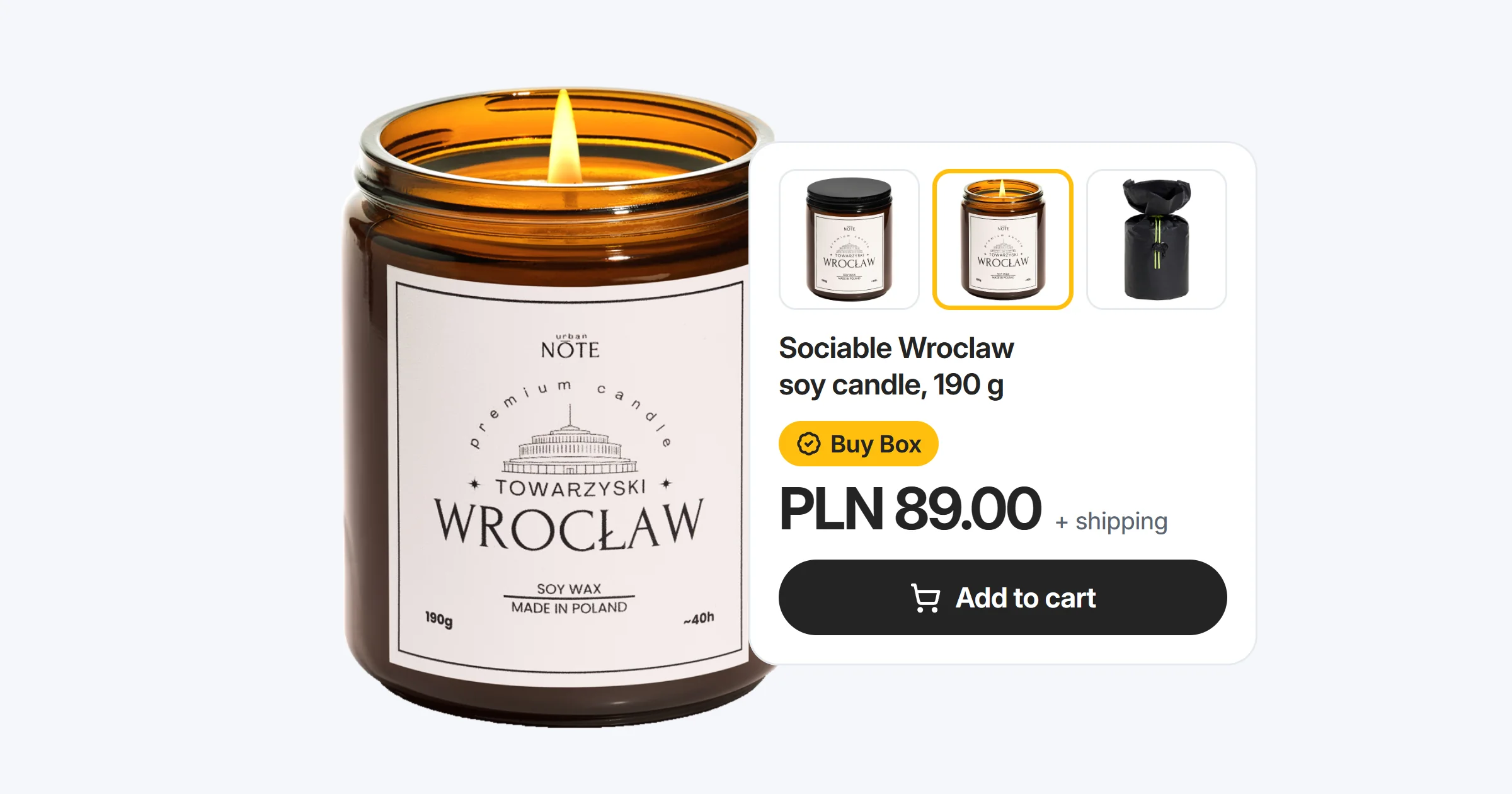
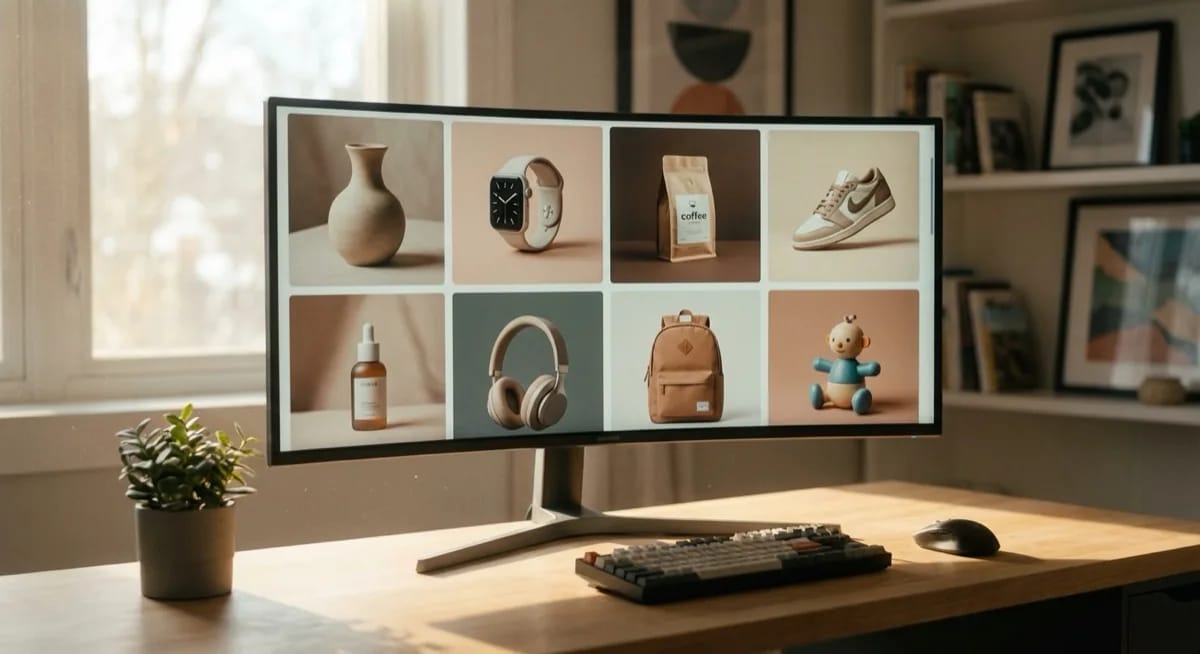
- Changing product backgrounds - you upload a product photo on a white background and AI generates it in a new setting (e.g. coffee on a wooden table, a watch on a cliff by the sea)
- Style transfer - you move the product into a different visual style (e.g. "flat lay", "moody dark", "minimalist studio")
- Seasonal variations - you generate Christmas, summer, or winter versions of the same product photo
- Background removal - AI separates the product from the background before further modifications (more on this in our article on background removal from photos)
The best image-to-image tools are:
- Stable Diffusion + img2img - greatest control over transformation strength (the "denoising strength" parameter)
- Google Product Studio - simplest for e-commerce, automated background changes
- Photoroom - specialises in products, background removal + generating new scenes (full review: Photoroom 2026 - new AI features)
- Midjourney - image prompting by uploading a reference photo
AI image generators and product photography - what you need to know
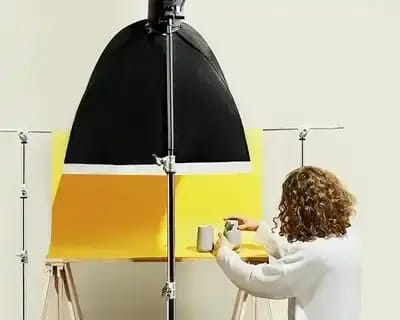
Let's be clear here: AI does not replace a product photo shoot.
AI image generators handle backgrounds, scenery, atmosphere, and overall composition very well - but product details are where AI most commonly falls short.
What specifically does AI generate poorly or inaccurately?
- Material textures - the weave of denim, leather grain, the quilting of a puffer jacket
- Reflections and sheen - a mirror-polished watch case, ceramic gloss, brushed metal
- Exact colour - AI "interprets" colours rather than reproducing them faithfully
- Logos and text - unless you use Ideogram or special inpainting techniques
- Unique shapes - a perfume bottle with a complex form, original jewellery
That is precisely why the optimal workflow combines a professional product photograph with AI: you carry out a photo shoot that captures every detail - then AI processes that image, generating different backgrounds, settings, and variants for various marketing campaigns.
Without a good base photo, AI produces only an approximation of the product - visually appealing, but not faithful.
At marszalstudio we specialise in photography that serves as an excellent base for further AI processing.
We produce professional product photographs on white backgrounds, with the right lighting and resolution - ready for integration with tools such as Google Product Studio, Photoroom, or Stable Diffusion.
You can then use these photos to generate dozens of variants for different sales platforms and marketing campaigns. More about our approach to AI photography from a technical perspective.
How to write prompts for an AI image generator?
The quality of the generated image depends 80% on the quality of the prompt. Here are 5 rules that will improve your results regardless of which generator you use:
Rule 1: Be precise, not vague
Instead of: "photo of a perfume bottle"
Write: "elegant square perfume bottle with a gold cap, on a marble surface, soft side studio lighting, cream background, product photography, 85mm, bokeh"
Rule 2: Specify the style, mood, and reference
Add: a photographic style (editorial, flat lay, lifestyle), mood (moody, light and airy, minimalist), and a reference to a photographer or brand (in the style of Kinfolk, editorial like Vogue). Generators understand these references and adjust their aesthetics accordingly.
Rule 3: Use technical parameters
It is worth adding to prompts: photorealistic, 8K, 50mm lens, depth of field, RAW, studio lighting, product photography. Even if the generator does not "understand" these terms literally, they tend to improve results.
Rule 4: Negative prompts - what you do not want
In tools that support this feature (Stable Diffusion, FLUX, certain Midjourney modes), specify what you want to exclude: "no text, no logos, no distortions, no blurring, no artificial appearance". This significantly improves results.
Rule 5: Iterate and refine
Rarely does the first prompt yield a perfect result.
Generate 4-6 variants, pick the best one, and modify it - change one element at a time so you know what is working. Also use "vary" or "remaster" functions where available.
Ready-to-use prompt examples for product photography:
- Cosmetics: luxury skincare serum bottle, glass texture, gold cap, marble surface, soft studio lighting, white background, product photography, 85mm lens, shallow depth of field, photorealistic
- Clothing: folded denim jacket, flat lay composition, wooden surface, natural daylight from window, editorial style, top-down view, lifestyle product photography
- Electronics: minimalist wireless headphones on dark concrete surface, dramatic side lighting, tech product photography, 50mm, bokeh background, premium feel
If you are interested in the possibilities of AI for photography, also check out how ChatGPT 5 is changing the way prompts are written and how we work with image generators.
FAQ - frequently asked questions about AI image generators
The best free AI image generator in 2026 is Microsoft Copilot with DALL-E 3 - available via Bing without registration. We also recommend Ideogram AI (10-20 generations per day) and Canva AI (50 per month). For advanced users, FLUX via Hugging Face Spaces offers quality comparable to paid tools.
Using AI generators is legal in the UK and EU. For private use - no restrictions. For commercial use, check the terms of service: Midjourney (Pro plan), DALL-E 3 (ChatGPT Plus), and FLUX permit commercial use. Adobe Firefly is the only tool that provides a full legal guarantee.
Not fully - at least not in 2026. AI excels at generating backgrounds and scenery, but accurate colour, material texture, and logos require a real base photograph. The optimal workflow: a professional photo shoot plus AI for generating backgrounds and scene variations.
Bing Image Creator (DALL-E 3) allows a few generations without full sign-in - a Microsoft account is sufficient. Stable Diffusion installed locally runs without any login (GPU required). Public Spaces on Hugging Face allow FLUX testing without registration, though with queues.
It depends on the tool. Midjourney (Pro plan), DALL-E 3 (ChatGPT Plus), FLUX, and Stable Diffusion permit commercial use. Adobe Firefly provides Adobe's legal guarantee. Exception: the free Bing/Copilot - personal use only. Always check the tool's current terms of service.
Image-to-image lets you upload your own photo and describe changes in text - AI preserves the composition but changes the background, style, or lighting. Best tools: Stable Diffusion (greatest control), Google Product Studio (e-commerce), Photoroom (background removal), and Midjourney (artistic style).
Summary - which AI image generator should you choose?
The AI image generator market in 2026 offers tools for every budget and level of expertise. Here is a quick summary:
- Want the highest quality - Midjourney (paid, from $10/month)
- Want the simplest option - DALL-E 3 via ChatGPT or Copilot (free)
- Selling on Google - Google Product Studio (free for sellers)
- Need text on images - Ideogram AI (free plan)
- Want open source - FLUX or Stable Diffusion (free)
- Design in Canva - Canva AI Magic Media (50 generations/month free)
- Need legal certainty - Adobe Firefly (25 generations/month free)
- E-commerce, background removal - Photoroom or Google Product Studio
Bear in mind the key principle: an AI image generator is a tool for processing and creating backgrounds - not for replacing professional product photography.
The best results come from combining precise base photographs with the capabilities of AI. If you need product photos ready to work with AI - visit marszalstudio and enquire about a photo shoot tailored to your needs.