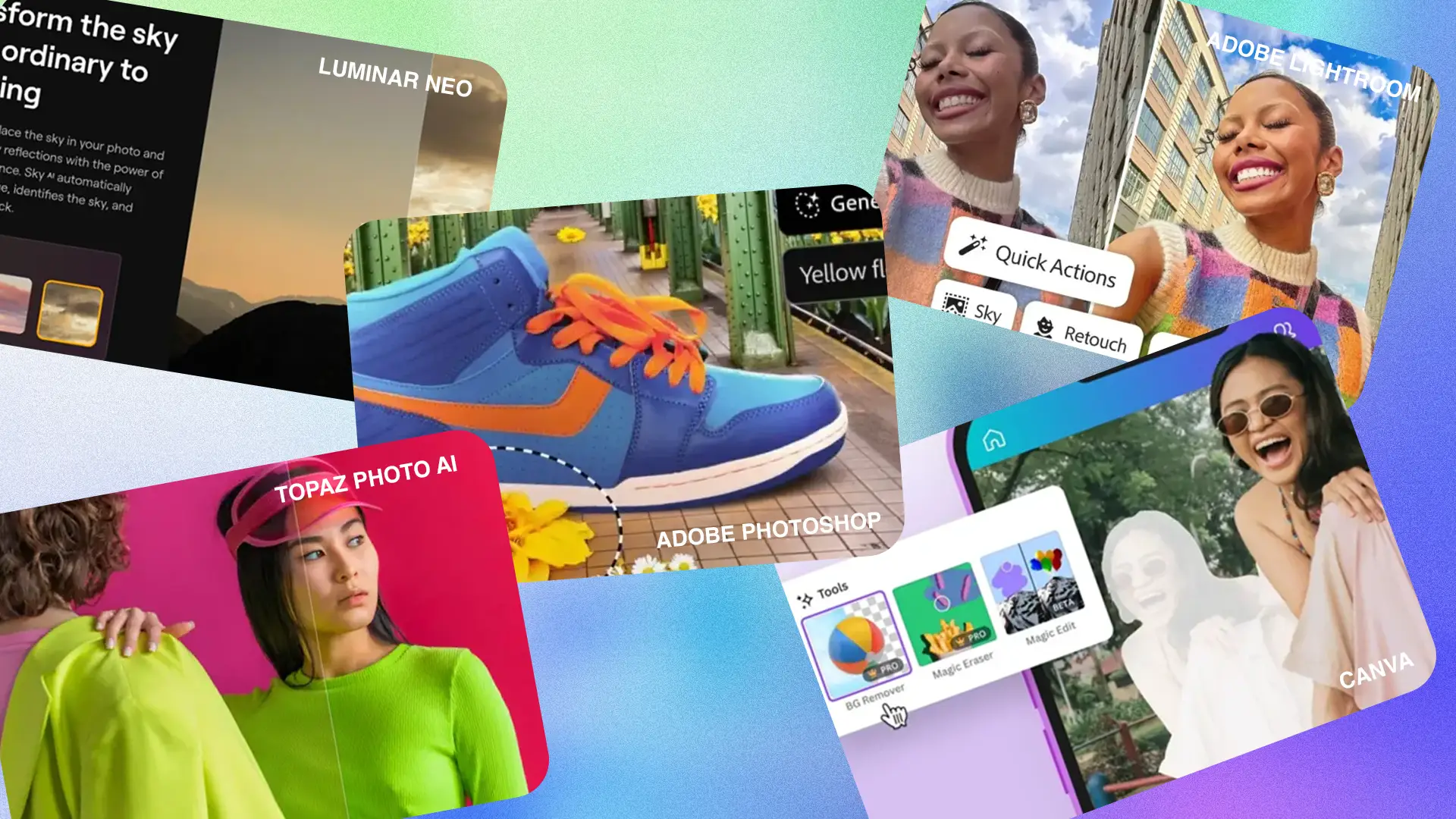
What is the best AI photo editor? We checked it out, with professionals in our industry most often pointing to apps such as Luminar Neo, Adobe Photoshop, Topaz Photo AI, Canva and Fotor. In 2026, AI image editing tools have evolved, and users seek AI photo editor free options to edit photos effortlessly and even perform AI photo upscale. Many of them are often compared when discussing photo editing apps for professionals and enthusiasts.
Each of these tools stands out for its different approach to using AI in photo editing.
The basis for selection was primarily the quality and realism of the effects, the intuitiveness of use and the availability of automatic functions.
Highly appreciated are tools that allow for quick masking, colour enhancement and background removal online.

AI photo editing - what to use?
The choice of AI photo editor depends on the needs of the photographer and the type of work being done. Different functions will be key for a reporter and others for a creative agency. I will take you through the key features of five selected AI photo editors.
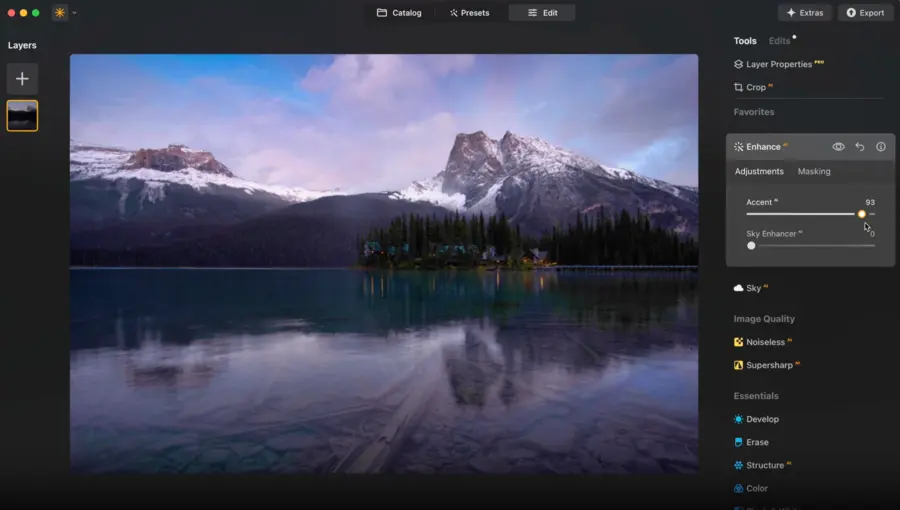
Luminar Neo - the all-in-one AI photo editor
Luminar Neo is applicable to both portrait and commercial photography thanks to its wide range of AI tools. The versatility of the programme makes it the choice of professionals and enthusiasts in professional photos.
Manufacturer's website: https://skylum.com/luminar
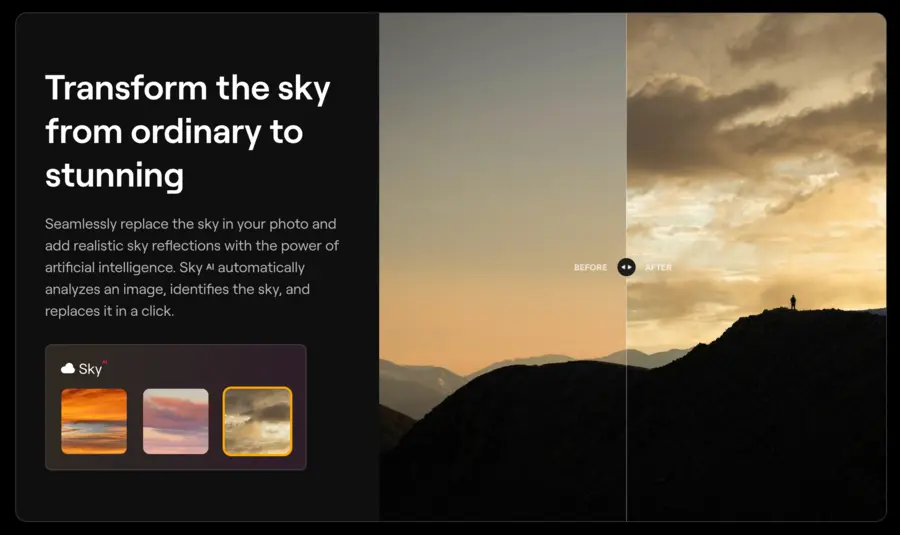
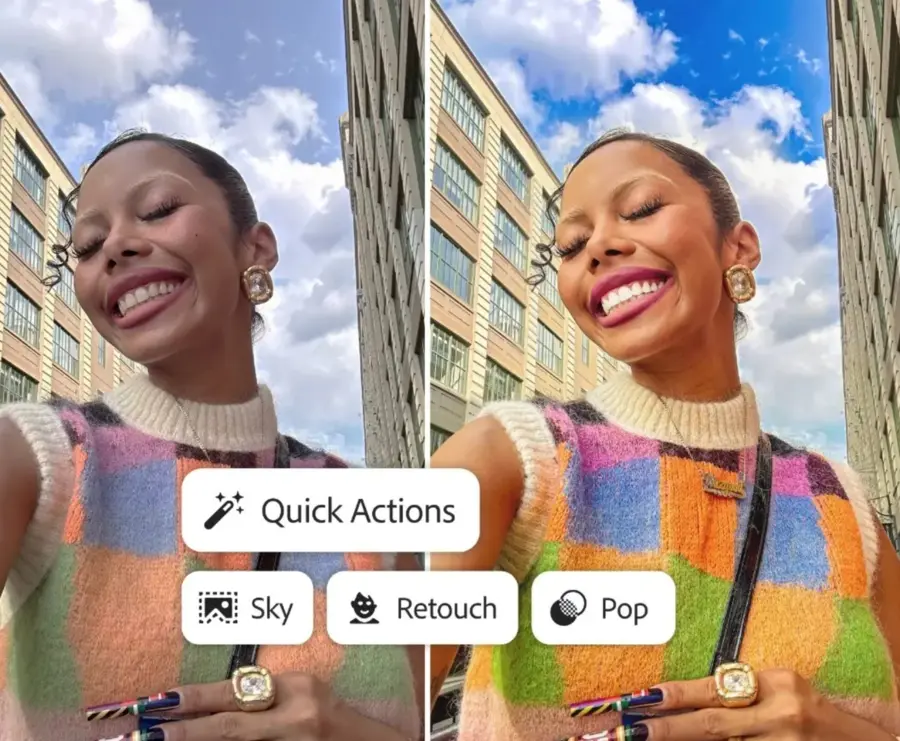
Changing the sky in a photo
Yes, we won't start with Photoshop. Luminar offers tools for quick object masking and photo background editing, which allows for realistic scene adjustment. AI algorithms recognise the boundaries between image elements and minimise the risk of editing errors.
AI noise reduction
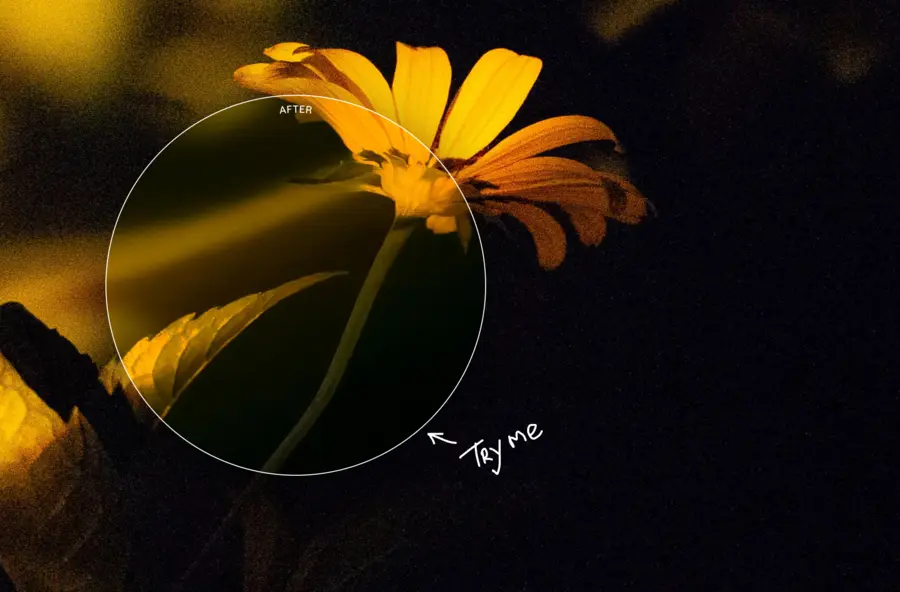
The Luminar Neo engine analyses the image structure and adjusts the degree of sharpening without overly boosting contrast. AI-assisted noise reduction preserves detail even in images taken at high ISO levels.
Colour and white balance
The AI editor enables precise colour correction and quick alignment based on automatic AI suggestions. These features are particularly appreciated by photographers working in variable lighting conditions where white balance correction is crucial.
Adobe Photoshop with AI
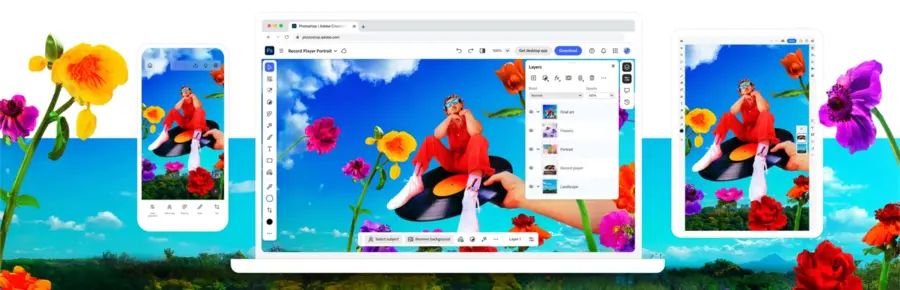
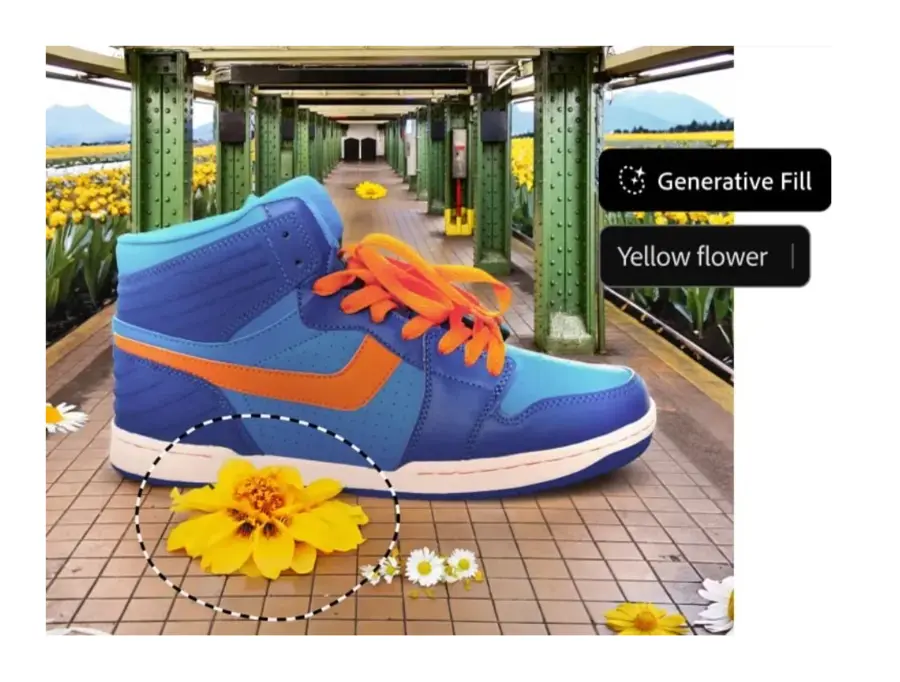
Adobe Photoshop offers a Generative Fill function to realistically fill in missing parts of an image. AI algorithms analyse the context of the photo and create consistent elements to match the surroundings, often used in post-production.
Application website: https://www.adobe.com/products/photoshop/ai.html
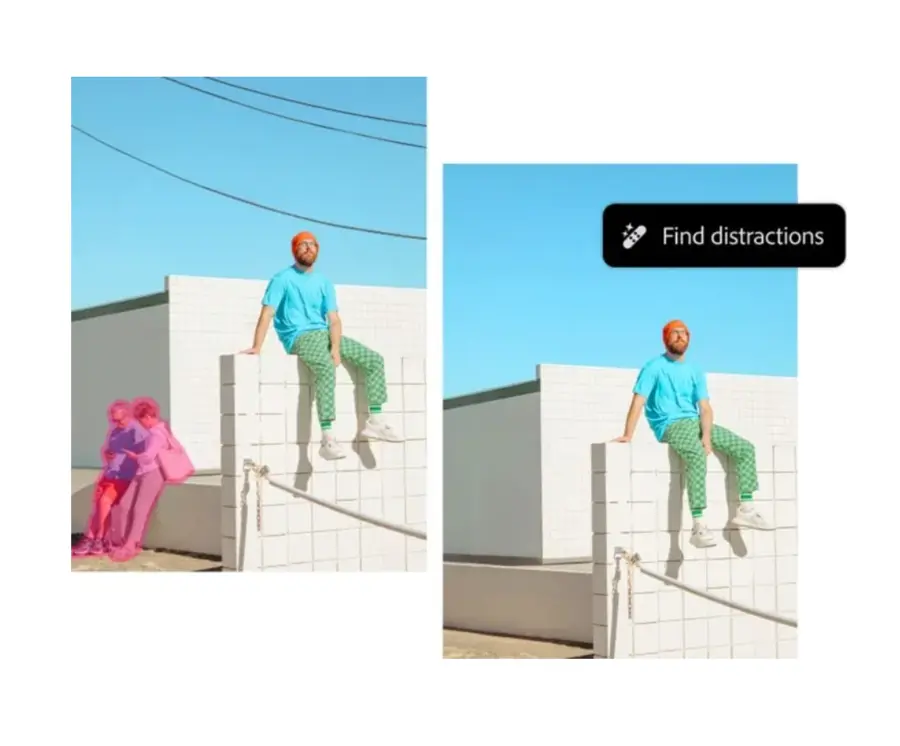
Intelligent object detection and selection
Photoshop's AI system enables the automatic recognition and selection of objects, which significantly speeds up the editing process. This function is particularly useful in product photography, where precise selections are crucial.
Adobe ecosystem
Photoshop works seamlessly with Lightroom, giving users the ability to comprehensively edit AI photos as it also allows for photo retouching using artificial intelligence.
Synchronisation in cloud storage allows users to quickly switch between applications without losing data quality.
Topaz Photo AI photo quality
Removing noise and recovering detail
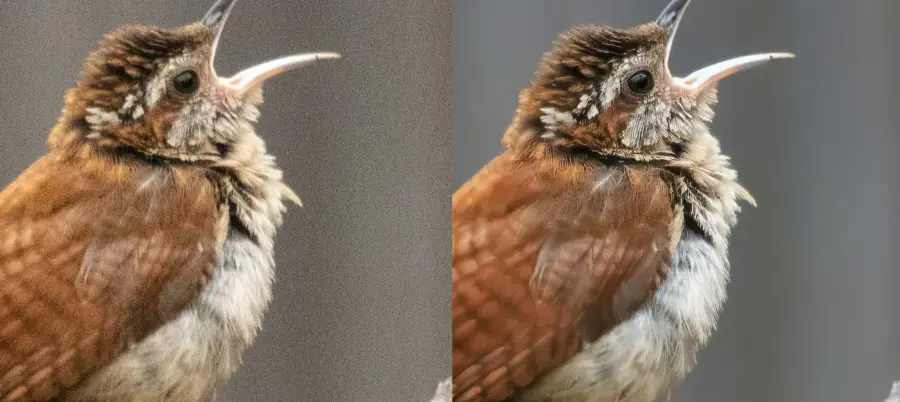
Topaz Photo AI uses advanced machine learning models to reduce noise in photography taken in difficult conditions. The program can preserve fine image details that often disappear with standard processing. Note: Topaz no longer develops or sells Photo AI. Its final version, 4.0.4, came out in September 2025, and existing licences keep working, just without updates. Its successor, Topaz Photo, is subscription-only: US$199 a year or US$25 a month with an annual commitment, with no trial mode (checked 22 October 2026, Topaz Labs on discontinued apps).
Official website: https://www.topazlabs.com/topaz-photo
Photo scaling without loss of quality
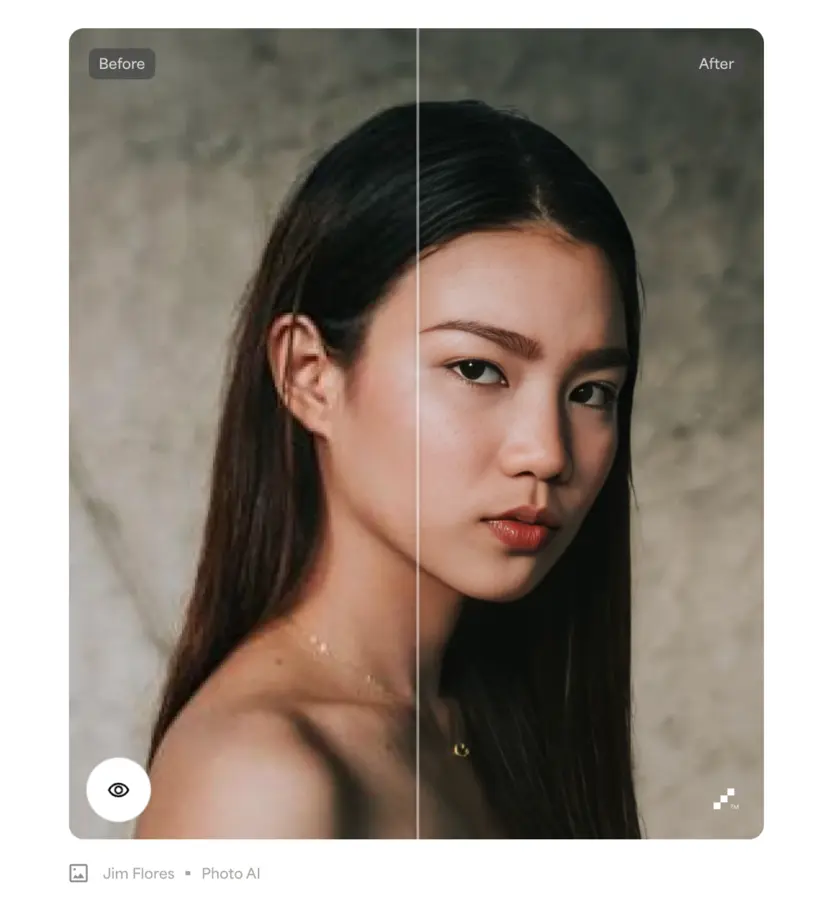
The application allows images to be enlarged by up to several times without any apparent loss of sharpness. AI technology analyses the pixel structure and reconstructs missing elements naturally.
Automatic settings adapted to the type of photo
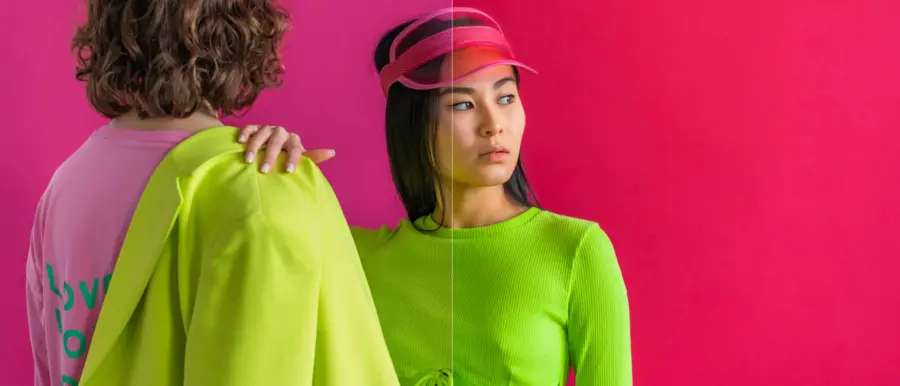
Topaz Photo AI can autonomously recognise whether a photo represents a portrait, landscape or night scene. On this basis, it selects the optimal processing parameters, which significantly reduces the photographer's work time in lifestyle photography.
Professional AI Image editing
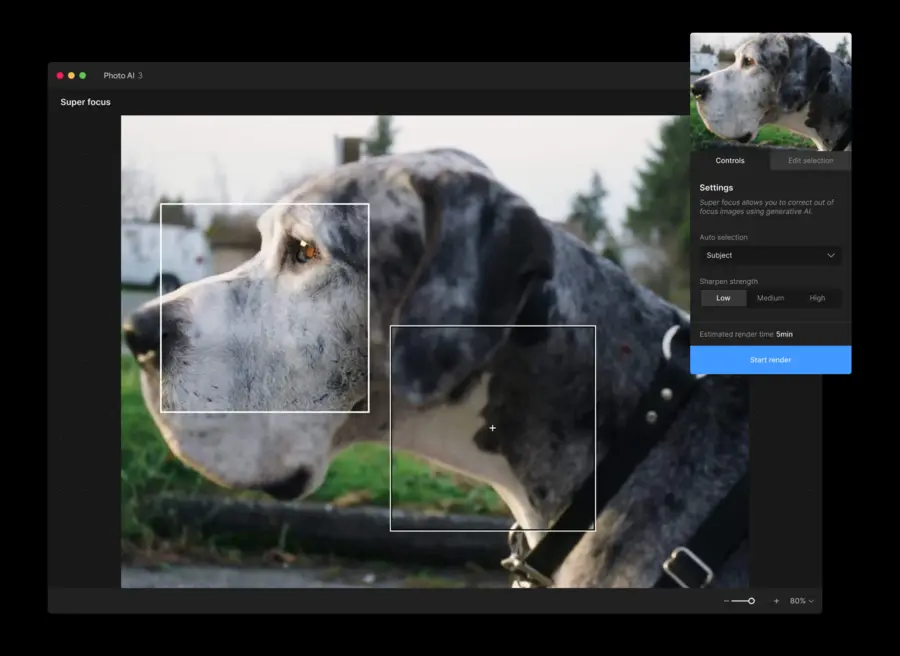
This tool is particularly valued in event photography and reportage workflow, where the rapid preparation of a large number of images is crucial. Automated processes allow the entire series to maintain consistent quality.
Comparison with other AI editors
While Luminar Neo and Photoshop focus on a wide range of functions, Topaz Photo AI specialises in improving image quality. This makes it the choice mainly for photographers expecting maximum detail and sharpness.
Other alternatives
Canva AI for Social Media

Canva offers AI tools to automatically remove backgrounds, generate graphics and quickly edit photos, much like its alternative, Adobe Express. This is particularly useful for those creating content for Instagram photos and simple advertising campaigns.
Canva website: https://www.canva.com/features/ai-photo-editing/
Fotor is an online AI photo editor for free
Fotor allows you to edit your photos without installing software, running entirely in your browser. AI features support automatic corrections to exposure, contrast and colour.
Application website: https://www.fotor.com/

Canva vs Fotor
Professionals often opt for elaborate programmes like Photoshop or Topaz Photo AI, while in everyday use it is usually better to use tools that produce quick and advanced effects for marketing product descriptions.
Canva and Fotor allow you to achieve an aesthetic effect without advanced technical knowledge.
Canva works well for creating marketing graphics and presentations, and Fotor for quick family or travel graphics. Both programmes are aimed at a wide audience who appreciate simplicity of use.
Canva and Fotor both offer free plans that include basic features for quick AI photo editing. Users can extend the capabilities through a premium subscription.
Canva emphasises integration with infographics, while Fotor focuses on classic photo enhancements. This makes both tools complementary depending on the user's needs.