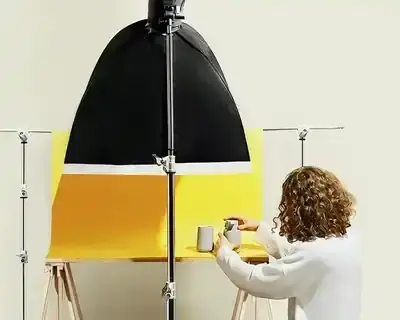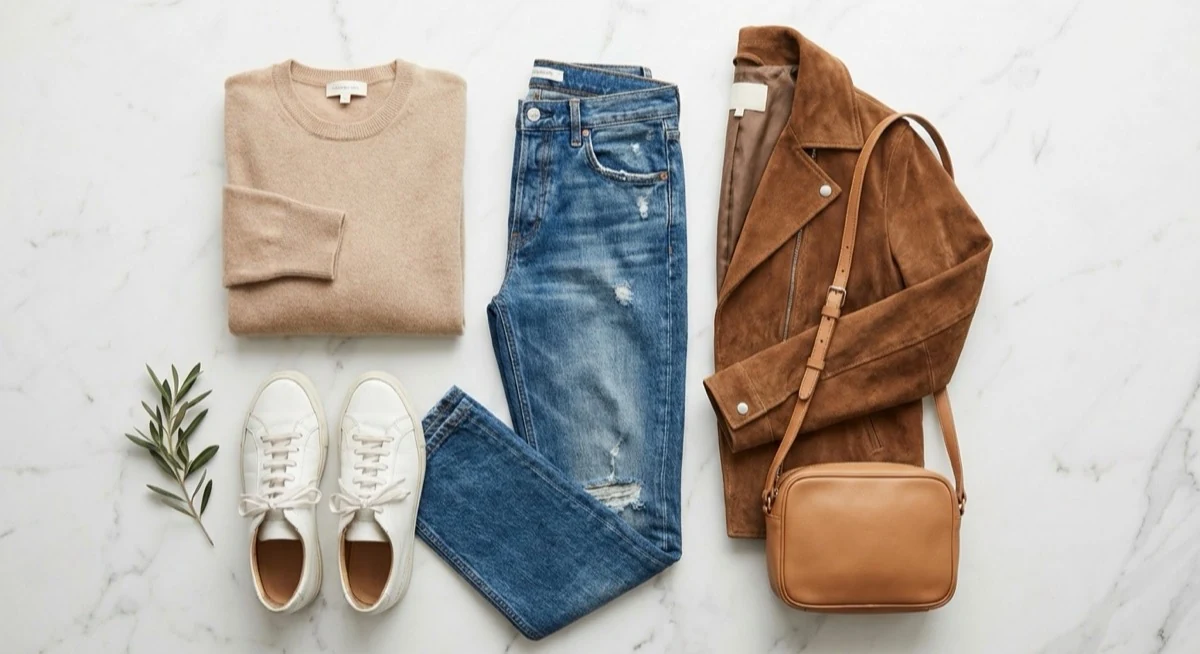
Learning how to sell on Vinted starts with one thing - your photos. On a platform used by millions of people across Europe, including the UK, buyers make their decision within seconds based solely on the thumbnail image. Vinted itself says in its Help Centre that detailed, good-quality photos help you attract a buyer's attention and sell more quickly. If you want to sell clothes online UK-wide and actually shift items fast, better photos are the single most effective lever you can pull.
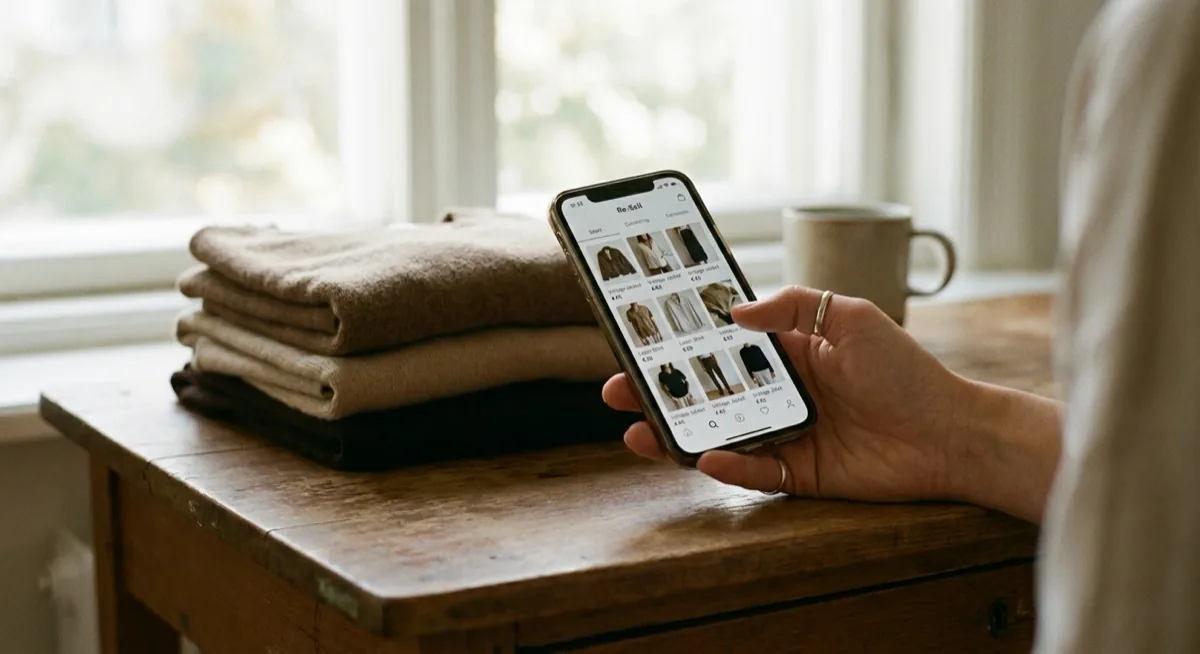
Second-hand fashion keeps growing fast, and Vinted is Europe's largest platform to sell clothes online: in 2025 its members traded items worth EUR 10.8 billion, 47% more than a year earlier (Vinted's 2025 annual results). Competition among sellers is fierce - and the only way to stand out is with photos that are better than those of hundreds of other people offering similar items.

In this guide you will find comprehensive vinted tips on taking photos that actually sell. I cover the Vinted algorithm, technical requirements, the 8-photo sequence, advice for specific product categories and free editing apps. No fluff - just practical knowledge from the perspective of a professional product photographer who helps sellers photograph clothes to sell every day.

Why vinted photo tips matter more than your price tag
On Vinted, there are no descriptions visible in the feed. Buyers scroll through a list of thumbnails and the only thing they see is your photo - the title only appears after clicking. This is a fundamental difference compared to eBay or Depop, where the title is visible straight away.
The key rules:
- More photos - Vinted lets you add up to 20 photos per listing and says that detailed shots help you sell faster
- On-body photos show the cut and how the garment drapes better than flat lay
- Natural light + neutral background - Vinted recommends daylight and advises against flash and filters
- The optimal number of photos is 8-12 per listing - far more than the standard 3-4
There is one more aspect that few people mention - buyer psychology. On Vinted, photos that look too professional can actually raise suspicion. Buyers expect "home-made realism" - the photos should look clean and clear, but not like a premium brand lookbook. If your photos look like they came from a Zara catalogue, people start wondering whether the item is actually genuine.
How to sell on Vinted - understanding the algorithm
The Vinted algorithm decides which listings appear higher in search results and in the feed. Photos are one of the strongest ranking signals - stronger than the description or price. Once you understand how to sell on Vinted effectively, you quickly notice that photos drive visibility above everything else.
CTR - thumbnail click-through rate
The algorithm monitors how many people click on your listing after seeing the thumbnail. If nobody clicks, the listing is gradually suppressed and shown less frequently. A strong cover photo is the absolute foundation of visibility. Your photos must grab attention from the very first thumbnail - and that is the core of every good vinted photo tips guide.
Number and quality of photos
Vinted rewards listings with more photos. The algorithm treats 8-12 photos as the optimal range. Listings with a single photo have drastically lower visibility - even if that photo is technically perfect.
Posting time
The best times to publish a listing with good photos are weekdays 12:00-13:00 and 19:00-22:00, plus Sundays from 17:00. During these hours platform traffic is highest, so your listing has a chance to collect more clicks at launch - and that drives further visibility.
Pro tip: If your listing has been sitting for weeks without any likes, refresh it with new photos. Vinted treats photo edits as a signal to re-promote the listing in the feed.
Technical requirements - how to take photos for Vinted [2026]
Before you start shooting, learn the platform's technical requirements. Vinted has specific rules that differ from eBay or Depop. Vinted does not impose a photo format: its Help Centre gives no aspect ratio, resolution or file size, but it describes in detail what your photos should show. Understanding how to take photos for Vinted properly begins with these specs.
| Parameter | Vinted | eBay | Depop |
|---|---|---|---|
| Aspect ratio | no requirement (we recommend 4:5) | 1:1 (square) | 1:1 (square) |
| Optimal resolution | no requirement (we recommend 1080 x 1350 px) | 1600 x 1600 px | 1080 x 1080 px |
| Max photos | 20 | 24 | 4 |
| Formats | JPEG, PNG, HEIC | JPEG, PNG, WebP | JPEG, PNG |
| Max file size | not stated | 12 MB | 15 MB |
| Stock photos | Prohibited | Allowed | Allowed |
| Orientation | Portrait (recommended) | Square | Square |
The key difference - Vinted does not impose an aspect ratio, but we recommend a vertical 4:5 frame: it fits clothing well and is comfortable to view on a phone. Shoot in portrait mode or crop before uploading.
Vinted is the only major platform that prohibits the use of stock photos and images from the internet. Every photo must be original - yours, taken by you. Moderation actively removes listings with suspicious photos - you can find the details in the official Vinted photo guide.
8 vinted photo tips that make your listings sell faster
1. Natural daylight - always
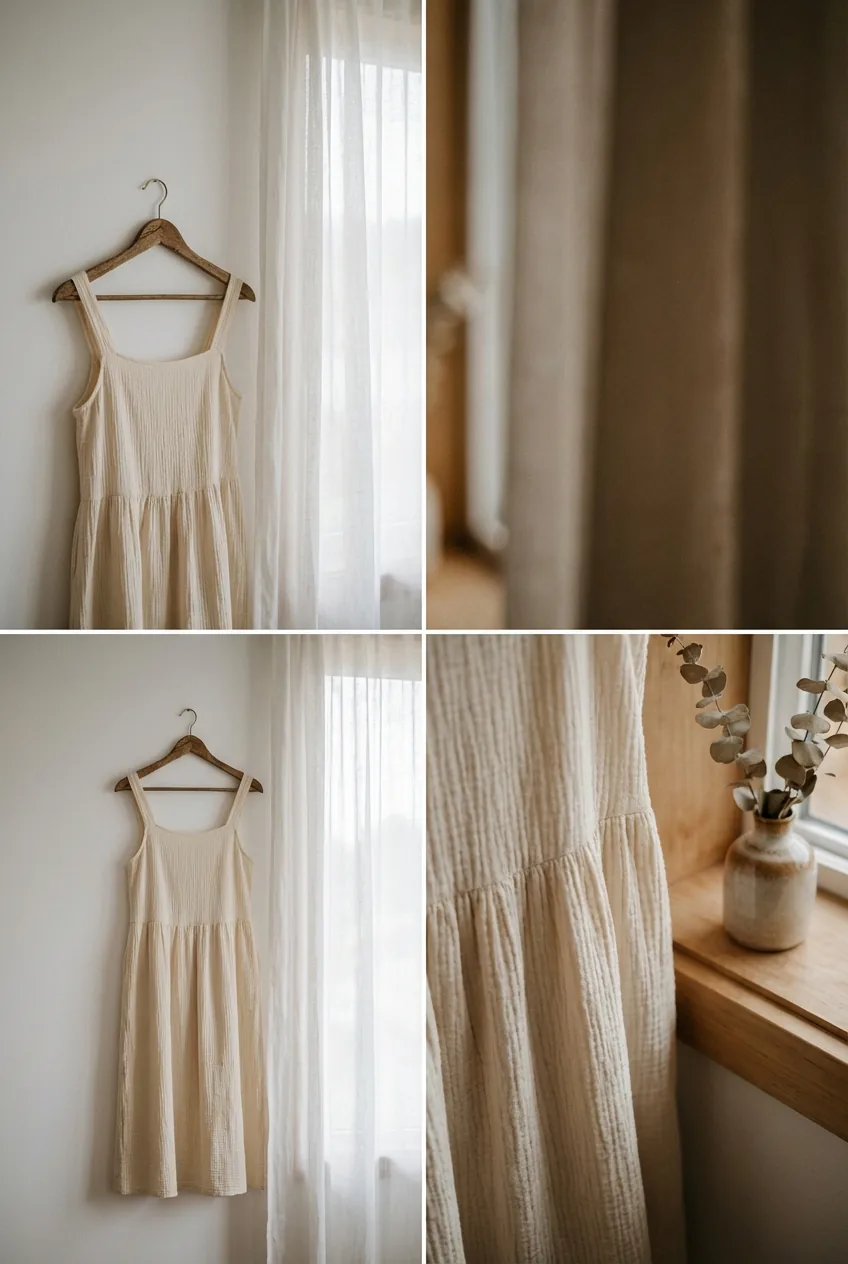
Shoot by a window during the day. Diffused natural light produces the best colours and eliminates harsh shadows. Turn off ceiling lights - mixing daylight with artificial light creates a yellow, unnatural tint. Never use flash - it produces flat, washed-out photos with harsh shadows. Learn more about lighting techniques in our guide to exposure in photography.
2. Clean, neutral background
A white or light background is the standard. A clean wall, white bedsheet, a cheap sheet of poster board or a light wood floor will do. Avoid patterned wallpaper, clutter in the background and coloured bedspreads. The background should be invisible - the buyer should see only the product. If you are interested in professional photography backdrops, we have a separate guide.
3. The product must be prepared
Before the shoot: iron it, remove lint with a roller, untie laces, stuff shoes with paper, polish metal hardware. 5 minutes of preparation makes a bigger difference than an hour of editing. A wrinkled garment in the photo suggests a lack of care - the buyer automatically assumes the product is in worse condition than it actually is.
4. Show the product on a person
On-body photos show the garment better than flat lay. Buyers want to see how the garment fits, how it drapes, what the cut looks like. You do not need to show your face - a photo from the neck down is perfectly enough. Stand by a window, ask someone to take the photo, or use a tripod with a timer. This is one of the most impactful vinted tips you will ever read.
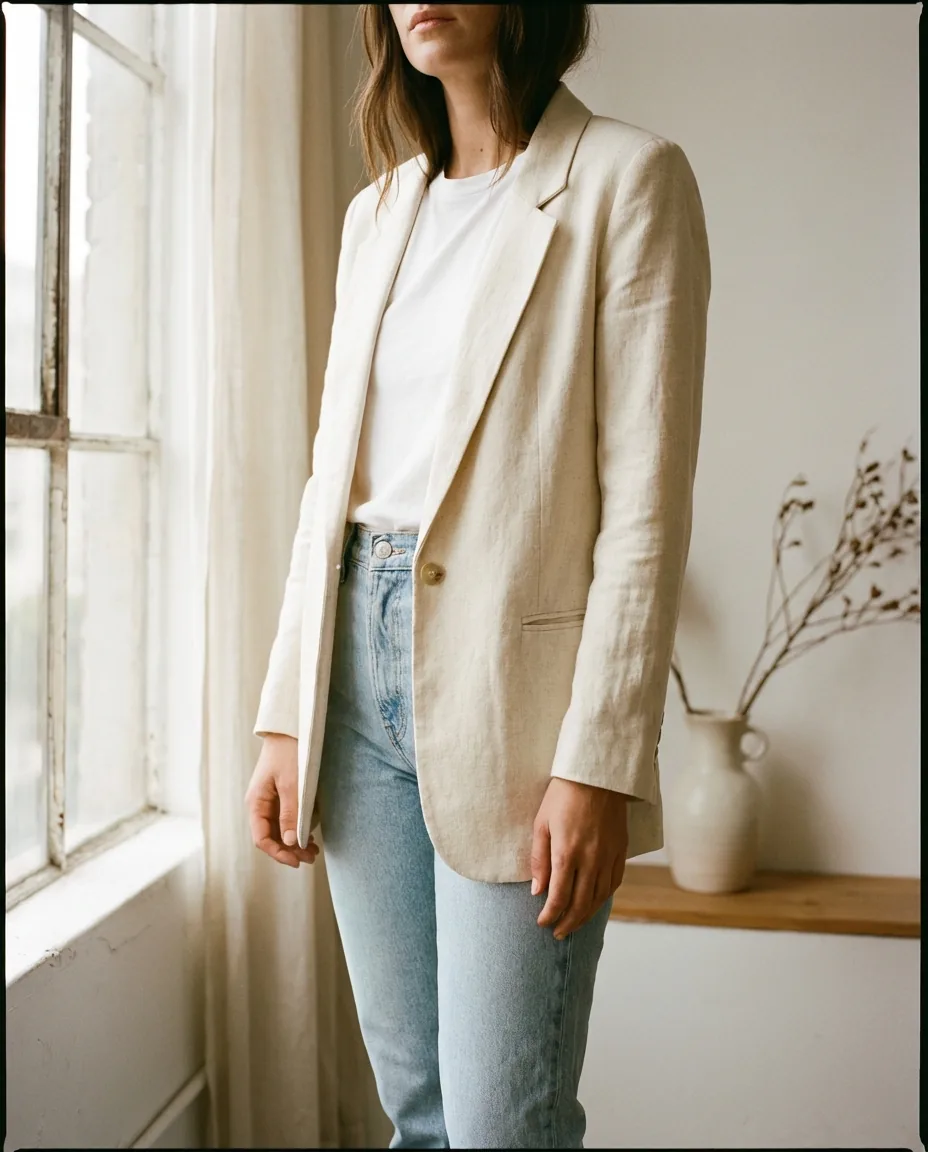
5. Cover photo - the most important image
The first photo is the thumbnail visible in the feed - it determines the click. It should show the entire product, with clear contrast against the background. Avoid close-ups of labels or details as your first photo. The best option: a photo of the product worn on a person or laid out on a clean background, well-lit, with visible colour and cut.
6. Show flaws - honestly
If the product has stains, wear marks or missing buttons - photograph them. This does not weaken your sales; quite the opposite. Buyers on Vinted know they are buying second-hand. Failing to show a flaw raises suspicion and leads to returns, negative reviews and account suspension.
7. Do not over-edit
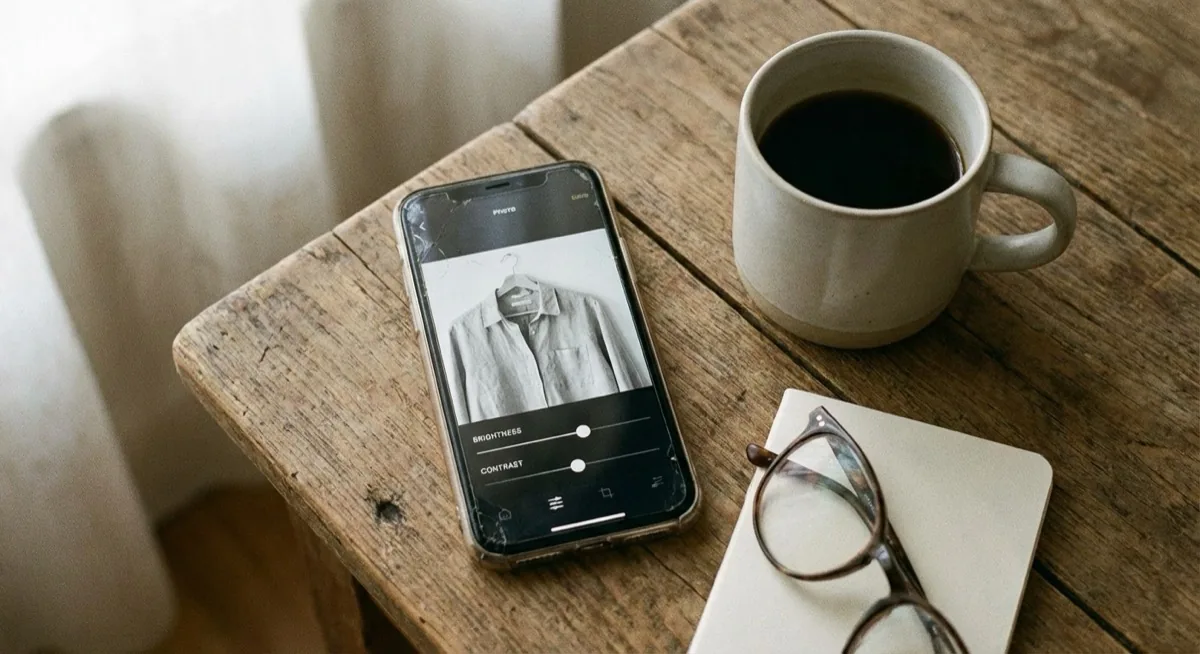
Acceptable editing includes: cropping, straightening, slight brightness and contrast adjustments. No filters, no boosting colour saturation, no retouching of stains. The colour in the photo must match reality - otherwise you face returns and complaints.
8. Portrait format 4:5
Always shoot in portrait mode. Vinted does not impose an aspect ratio, but a vertical 4:5 frame (1080 x 1350 px) fits clothing well and is comfortable to view on a phone. Hold your phone vertically and aim the product in the centre of the frame with a small margin around it.
How to take photos for Vinted - the 8-photo sequence
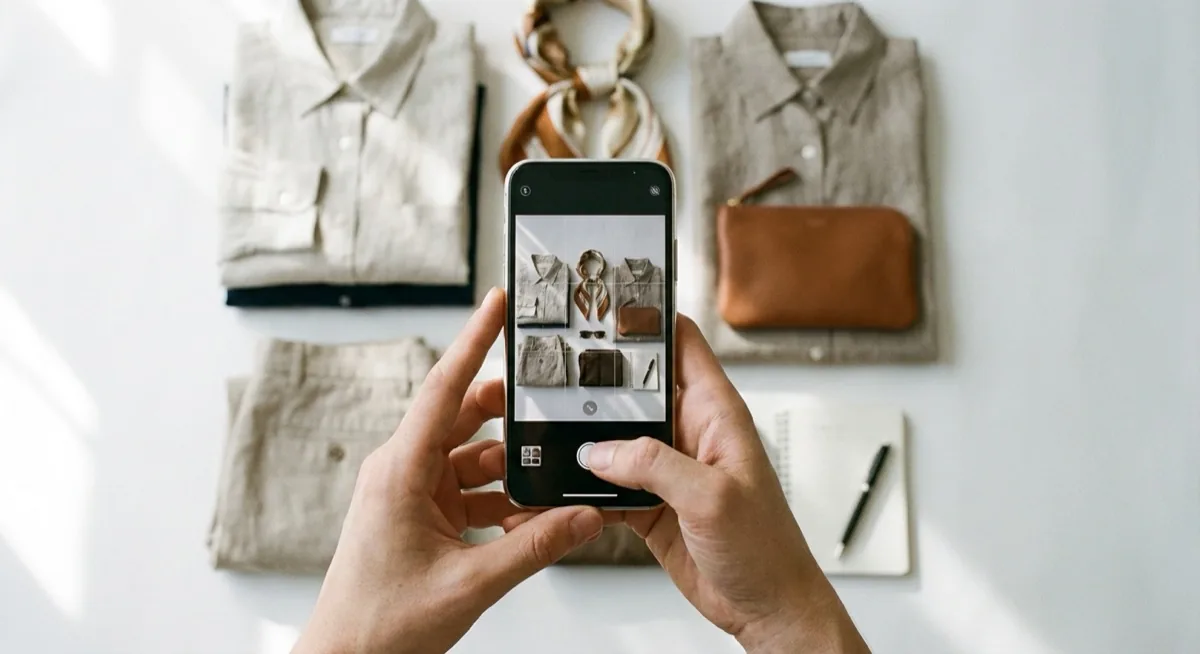
It is not about taking 8 photos from the same angle. Each photo should serve a specific purpose and show a different aspect of the product. Below is a proven sequence that works whether you sell clothes online UK-wide on Vinted or anywhere in Europe:
- Hero shot - the entire product from the front, on a neutral background or worn on a person. This is your cover photo
- Back - the product turned around, showing the cut from behind, pockets, back of shoes
- On-body - how the product fits, what the cut looks like in motion. You do not need to show your face
- Detail 1 - fabric close-up, texture, weave, leather grain
- Detail 2 - zippers, buttons, hardware, brand logo, embellishments
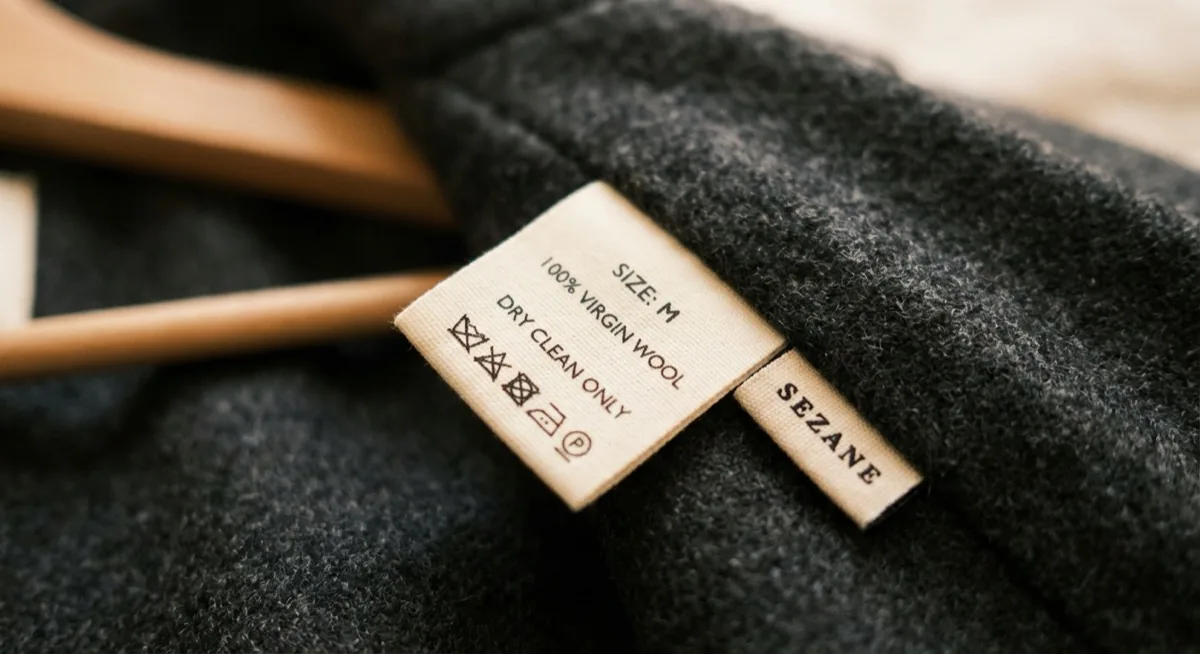
- Label - tag with size, fabric composition, brand. Builds credibility
- Styling - the product in context, with other wardrobe items or accessories
- Flaws - close-up of stains, wear marks, missing elements (if any)
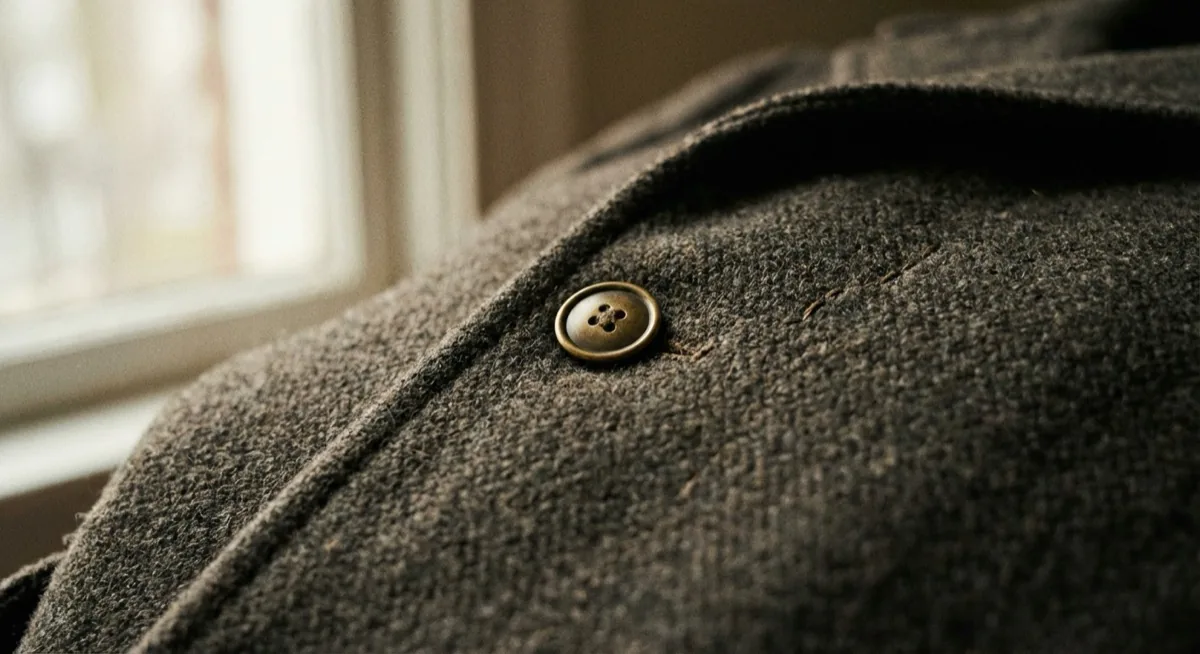
This sequence answers all the buyer's questions before they ask them. They do not need to write "what does the back look like?" or "what is the fabric composition?" - because they already see it. Fewer questions = faster sales. This is one of the key secrets of how to sell on Vinted effectively.
Photograph clothes to sell - tips per category
Different products require different approaches. What works for a dress will not work for shoes or jewellery. Below are specific vinted tips for each category - because the best way to photograph clothes to sell varies depending on what you are listing.
Clothes - flat lay vs on-body
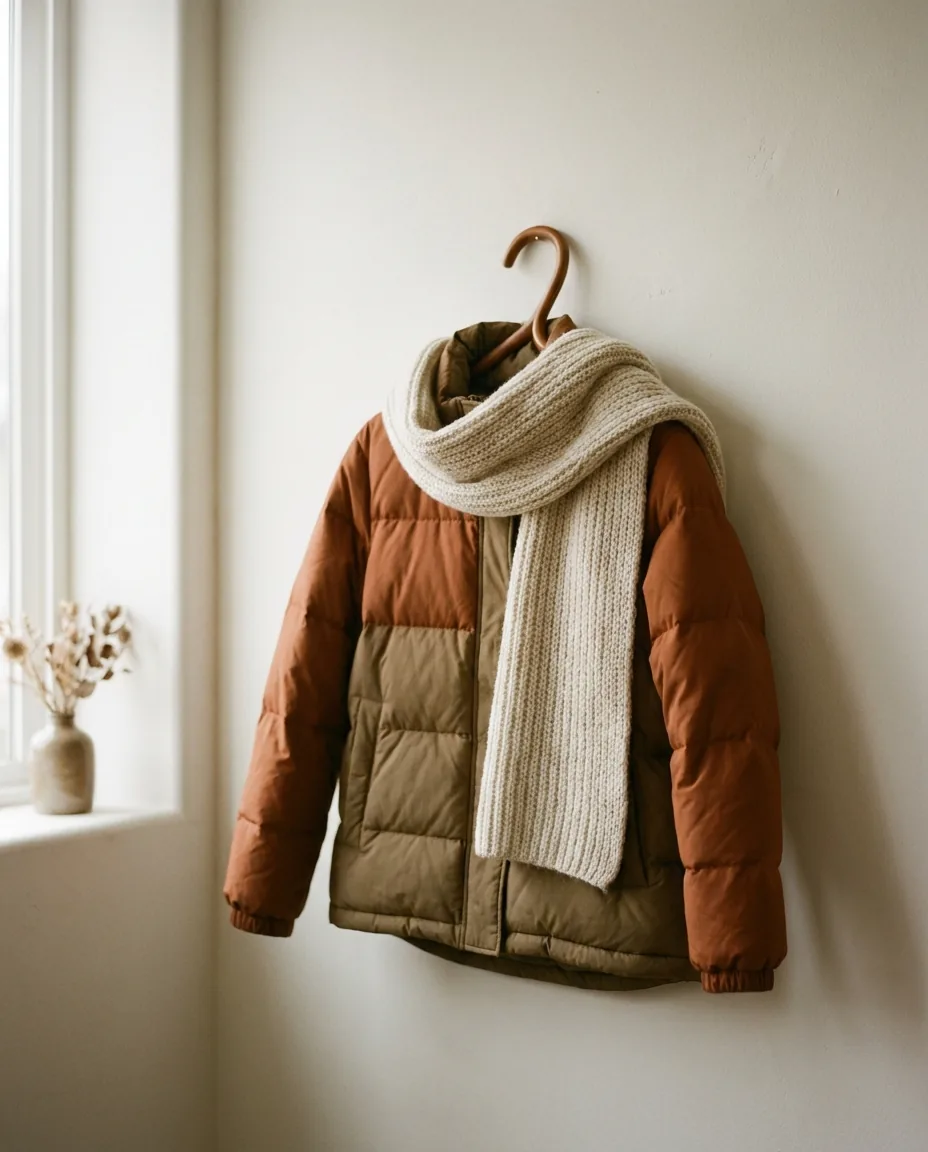
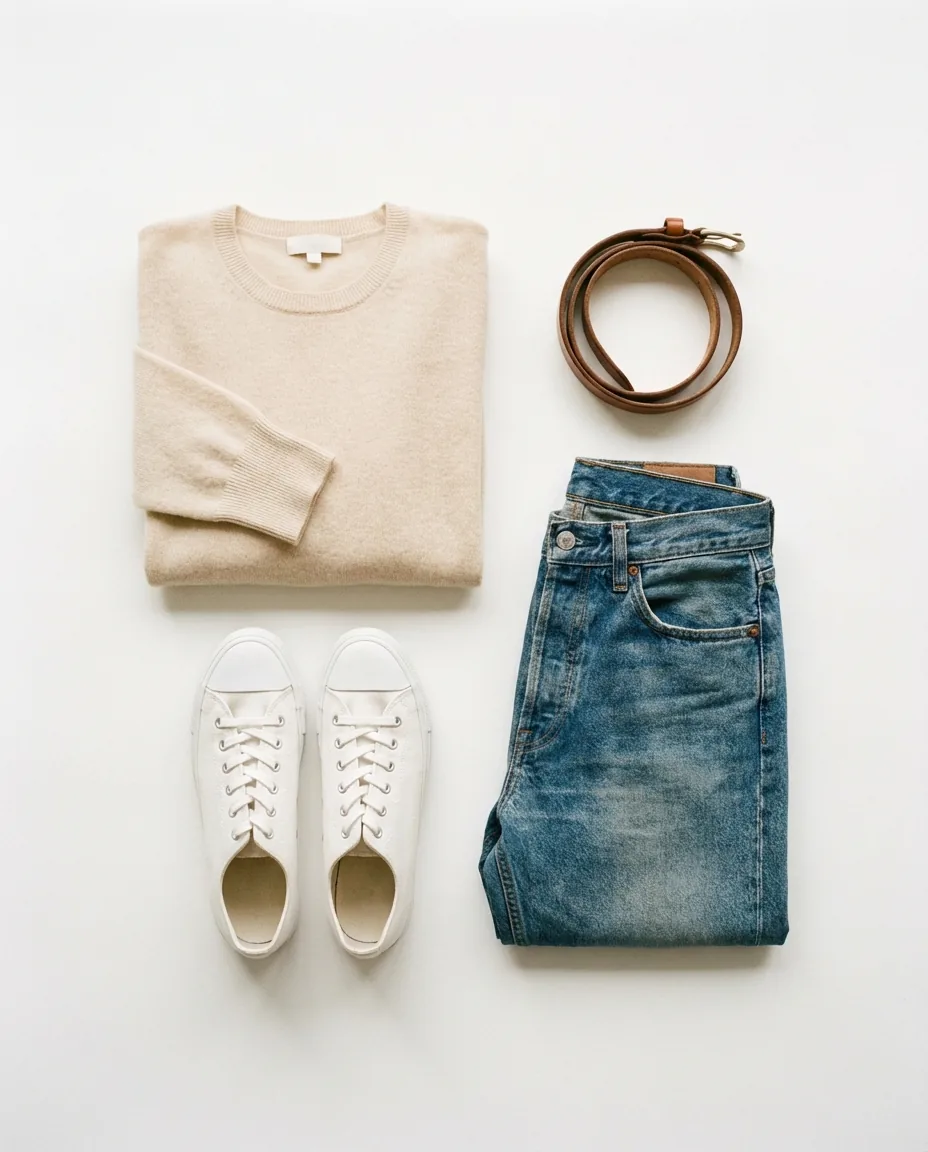
The best combination is one flat lay photo (laid out flat) plus 2-3 on-body shots. Flat lay shows the entire product in a single frame, while on-body shows how it fits and what the cut looks like. For jackets and coats - hang them on a hanger to show the silhouette. For t-shirts and blouses - flat lay on a light background works better than a hanger.
Shoes - angles and interior
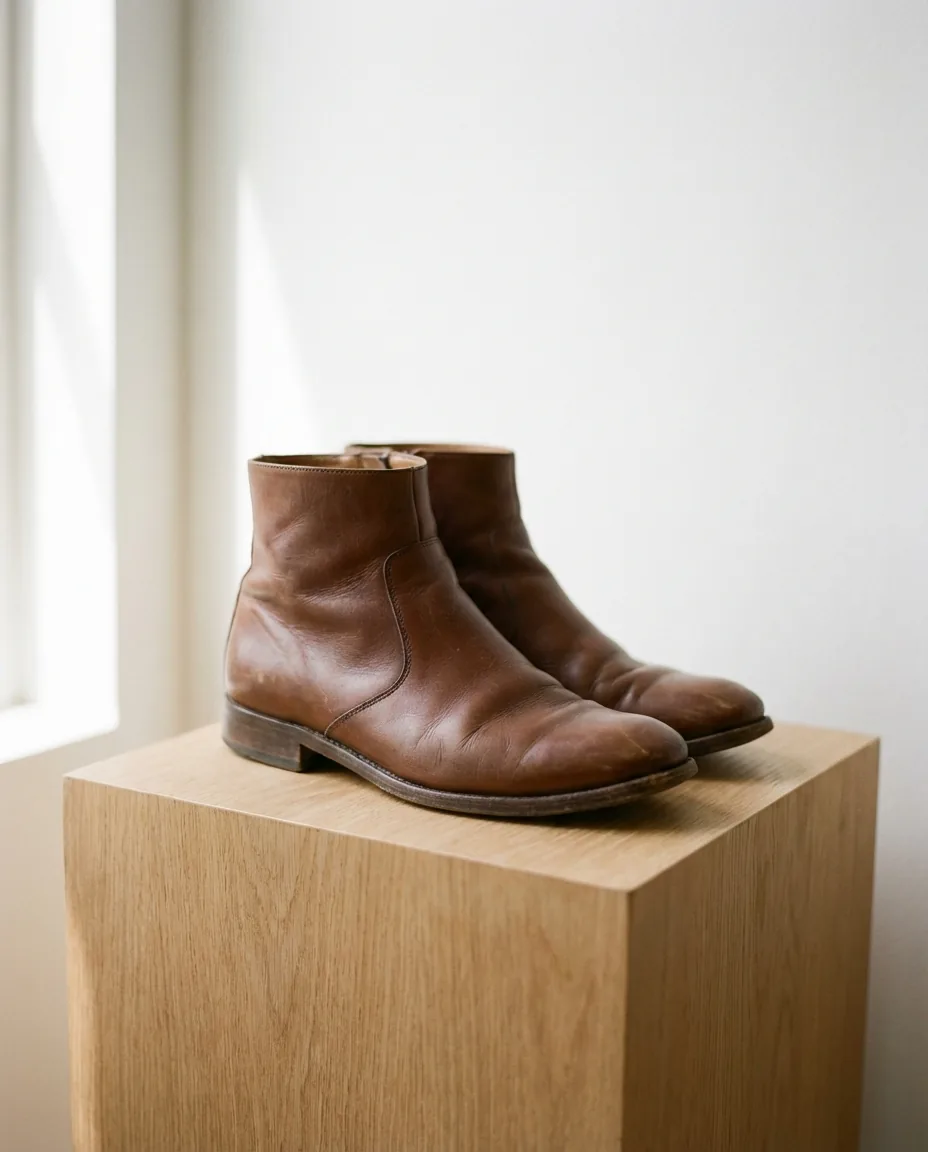
Photograph shoes in pairs, at a slight angle - not dead straight. Show the sole (wear condition), the interior (size label, insole), a detail of the heel or toe, and a side profile view. Stuff shoes with paper to maintain their shape. White shoes should be shot against a darker background (grey, beige) - on white they disappear. More techniques in our guide on how to photograph shoes.
Bags - volume and interior
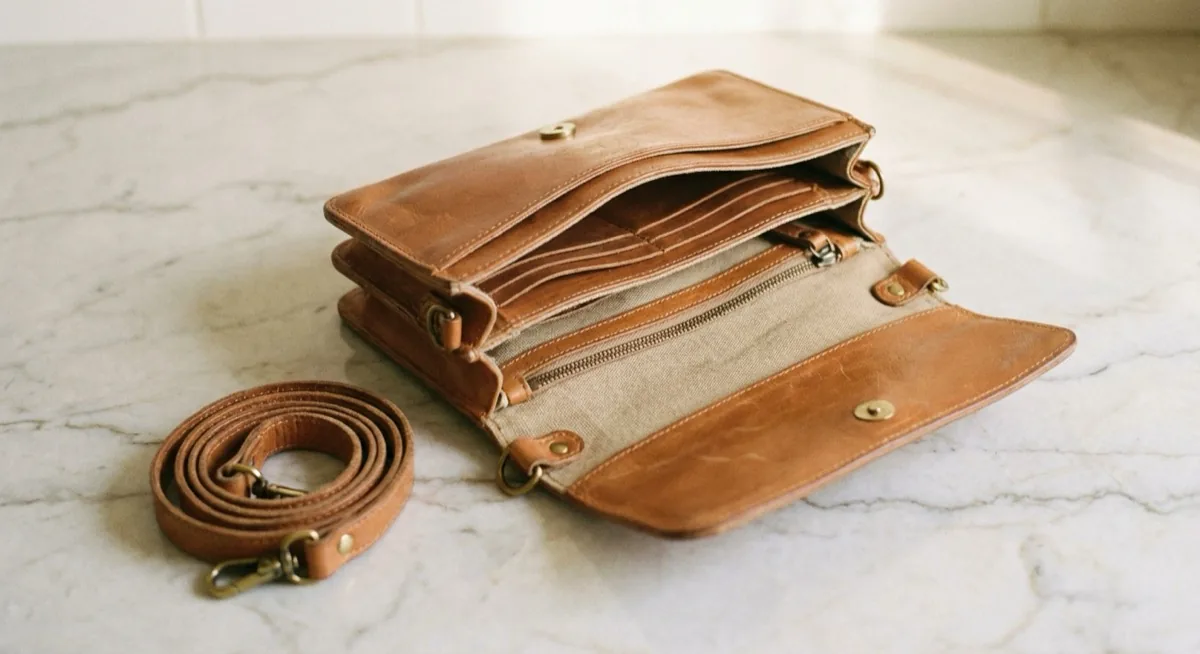
Bags must be shown open - buyers want to see pockets, organisation, interior size. Stuff the bag (with paper, a scarf) to maintain its shape. Show the strap or chain laid out beside it. Photograph closures, hardware and the logo up close. If the bag has scratches on the leather or wear on the corners - a close-up is mandatory.
Jewellery - macro and scale
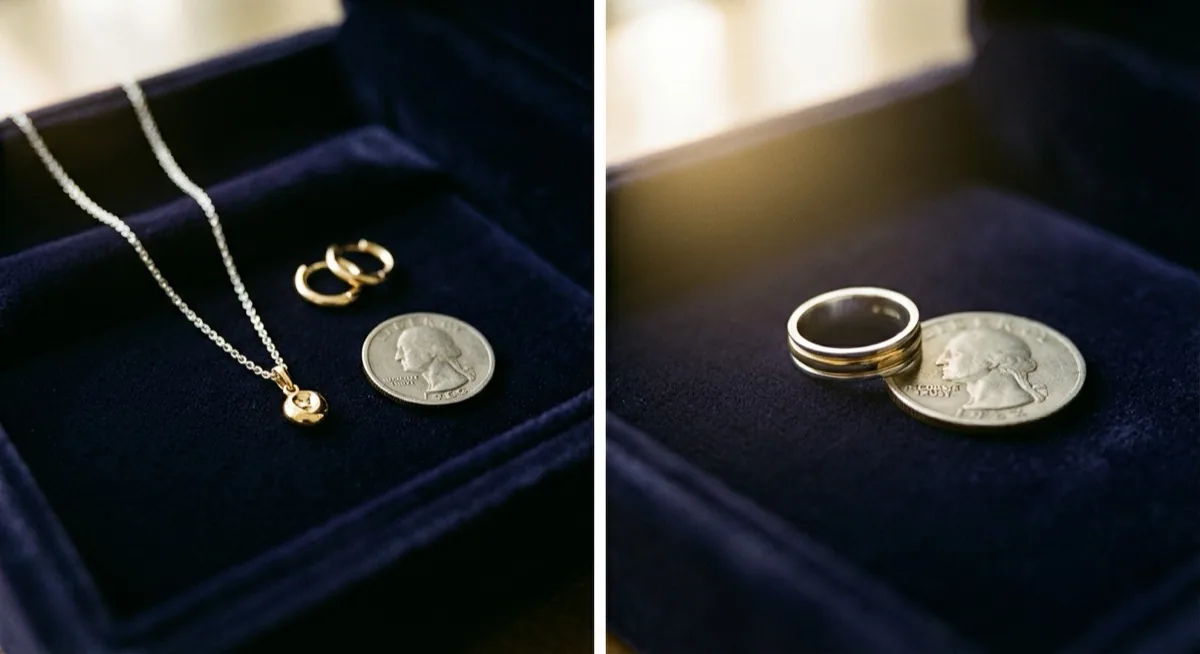
Jewellery demands close-ups - use macro mode on your phone or 2x zoom. Show the size with a scale reference - a coin, a ruler, or the jewellery on a hand or wrist. Shoot on a solid background with contrasting colour - gold jewellery looks best on black or dark navy, silver on white. We describe detailed techniques in our guide on how to photograph jewellery.
Electronics - screen and accessories
With electronics, buyers focus on the condition of the screen, casing and ports. Shoot at an angle that catches scratches on the screen - a photo straight from above hides them. Include a photo of the device powered on (confirms it works), the charger and the box (if you have them). A photo of the serial number or IMEI builds credibility - but blur the last 2-3 digits for security.
DIY studio for Vinted photos - GBP 0 to GBP 40
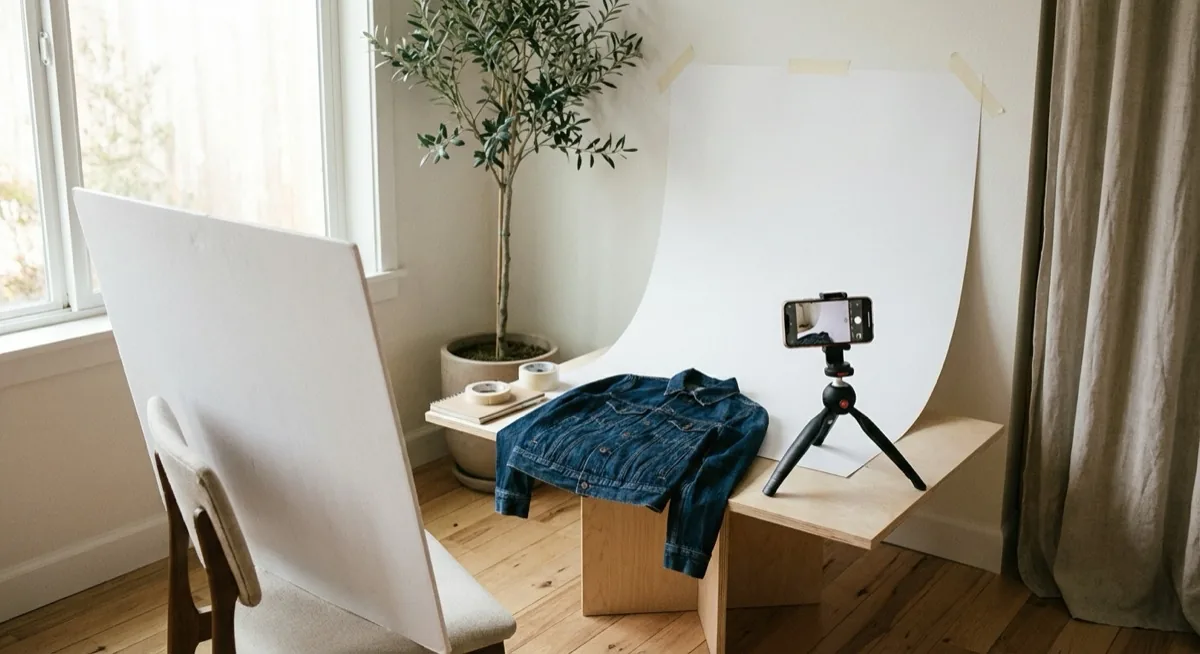
Professional clothing photos do not require a professional studio. You need a clean background, natural light and a few simple tricks. Below are three setup levels - from free to budget - so you can photograph clothes to sell without spending a fortune.
| Element | For GBP 0 | For GBP 10 | For GBP 40 |
|---|---|---|---|
| Background | White wall, bedsheet | Poster board 100x70 (GBP 1-2) | Vinyl backdrop 100x200 (GBP 15) |
| Light | Window (daylight) | Window + cardboard reflector | Window + LED ring light (GBP 12) |
| Reflector | White A3 cardboard | Aluminium foil on cardboard | Foam board 50x70 (GBP 3) |
| Tripod | Stack of books | Mini phone tripod (GBP 5) | Floor tripod (GBP 9) |
| Hanger | Door handle | Wooden hanger (GBP 2) | Velvet hanger + wall hook |
Setup for GBP 0 - all you need is a north- or east-facing window (diffused light), a white wall or bedsheet laid out on the floor, and a stack of books as an improvised phone tripod. A white A3 cardboard placed opposite the window bounces light and fills shadows on the product. That is genuinely all you need to get started.
Setup for GBP 10 - add poster board as a background (easy to swap), a mini phone tripod for about GBP 5 and a simple reflector made from aluminium foil glued onto cardboard.
Setup for GBP 40 - a vinyl backdrop (washable, durable), an LED ring light as supplementary lighting (useful on overcast days), a floor tripod with a phone mount and a foam board as a professional reflector. With this kit you can produce photos at a small studio level. If you are looking for a more advanced solution, check out our guide on light tents for photography.
3 free apps for editing your Vinted photos
Editing photos for Vinted should be minimal - but a few tweaks can make a real difference. Here are three apps that work on your phone and are completely free. We describe more options in our roundup of photo editing software.
Snapseed (Google) - best free option
No ads, no subscriptions, with professional tools. For Vinted photos three features are enough: Tune Image (brightness, contrast, shadows), Crop (crop to 4:5) and White Balance (colour correction). Use the brightness slider (+10-20) and shadows (-10-15) to brighten the product without blowing out the background.
Photoroom and background removal - not for Vinted
Photoroom and Canva remove the background in one click and let you put in a white one, but on Vinted that is a bad idea. Vinted's catalogue rules say plainly that photos “have to represent the item as it is - no image editing is allowed”. Instead of cutting out the background, take the photo on a plain, light background from the start: a bedsheet, a wall or a large sheet of card. Where background removal does make sense (your own shop, eBay), we explain in our guide to removing the background online.
Lightroom Mobile (Adobe) - advanced correction
The free version of Lightroom Mobile offers professional-level colour correction. The most useful features when you photograph clothes to sell are: white balance correction (so the white background is truly white), noise reduction (in low light) and selective adjustment (brightening the product without touching the background). The learning curve is steep, but the results are the best of the three.
AI and Vinted photos - what is allowed and what is not
The topic of AI in the context of Vinted photos is a hot one in 2026. Some sellers have started using AI tools to generate virtual try-ons or enhance photos. The platform is responding to this with increasing strictness.
What is allowed
- Photos without editing - the safest option, because the catalogue rules say photos “have to represent the item as it is - no image editing is allowed”
- A light brightness and white balance correction (Snapseed, Lightroom) - just enough for the colour to match the real item
- Automatic cropping - trimming to the correct aspect ratio
What is risky or prohibited
- Background removal and replacement (Photoroom, Canva) - this is photo editing, which the rules forbid. Take the photo on a light background from the start
- AI virtual try-ons - generating a photo of the product on an AI-generated model. The rules require photos “taken by you” that show the item as it is, so moderation may remove such a listing
- Fully AI-generated photos - if all photos in your listing are AI-generated, you risk having the listing removed
- Images from the internet - even if AI-generated, the terms of service require original photos
- Retouching that removes flaws - if AI removes a stain or wear mark, the buyer has grounds for a complaint
Safe rule of thumb: the photo should show the item exactly as the buyer will receive it. Cropping and a light brightness correction - yes. Background removal, retouching flaws and AI-generated photos - no.
How to sell on Vinted faster - 5 habits
Good photos are the foundation, but sales only speed up once you take photos for Vinted regularly and the same way every time. These habits help most when you list more than a few items a week.
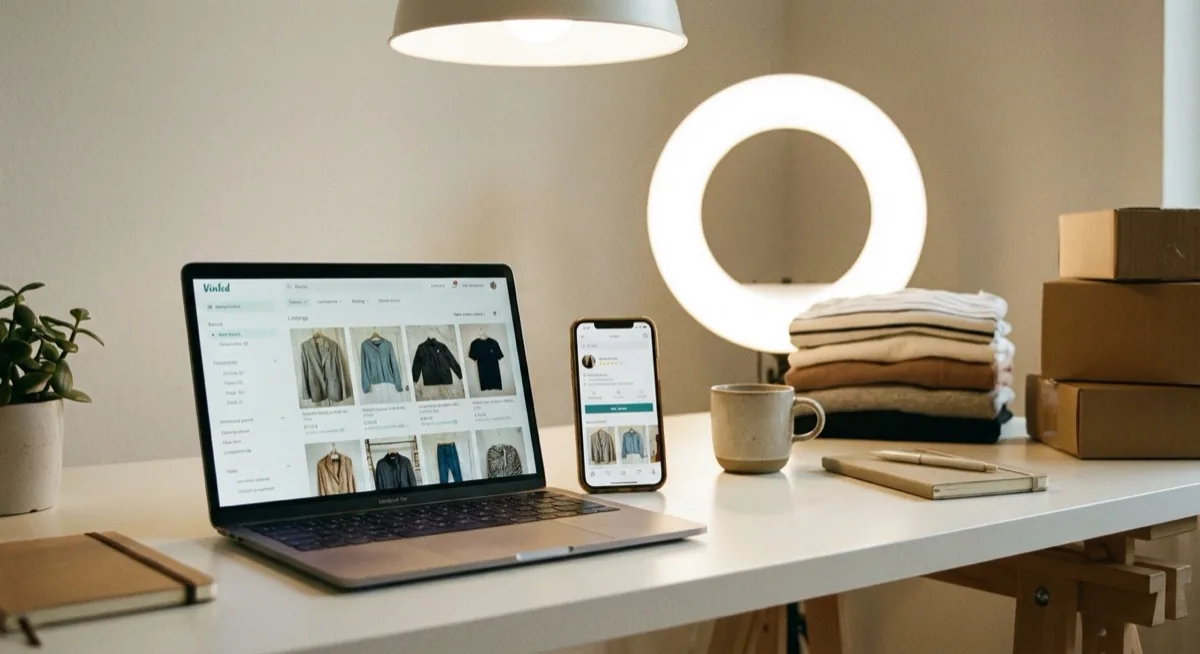
- Regular "photo day" - instead of photographing one item at a time, gather 10-15 products and shoot them all in 1-2 hours in good light
- Refresh old listings - swap the photos every 2-3 weeks if the item is not selling. The Vinted algorithm treats this as a new signal
- Test your cover photo - if a listing has low views, change the first photo. Try swapping a flat lay for an on-body shot and compare the views
- Never copy photos from the internet - Vinted moderation actively detects stock and copied photos. Your account can be suspended
- Seasonal photos - a winter jacket is best photographed in autumn, not in summer during a heatwave. Seasonal context subconsciously increases attractiveness
5 mistakes that kill your Vinted sales
- Only one photo per listing - drastically reduces algorithm visibility and buyer trust. Minimum 5, optimally 8-12
- Label as cover photo - nobody clicks on a photo of a tag. The cover photo must show the entire product
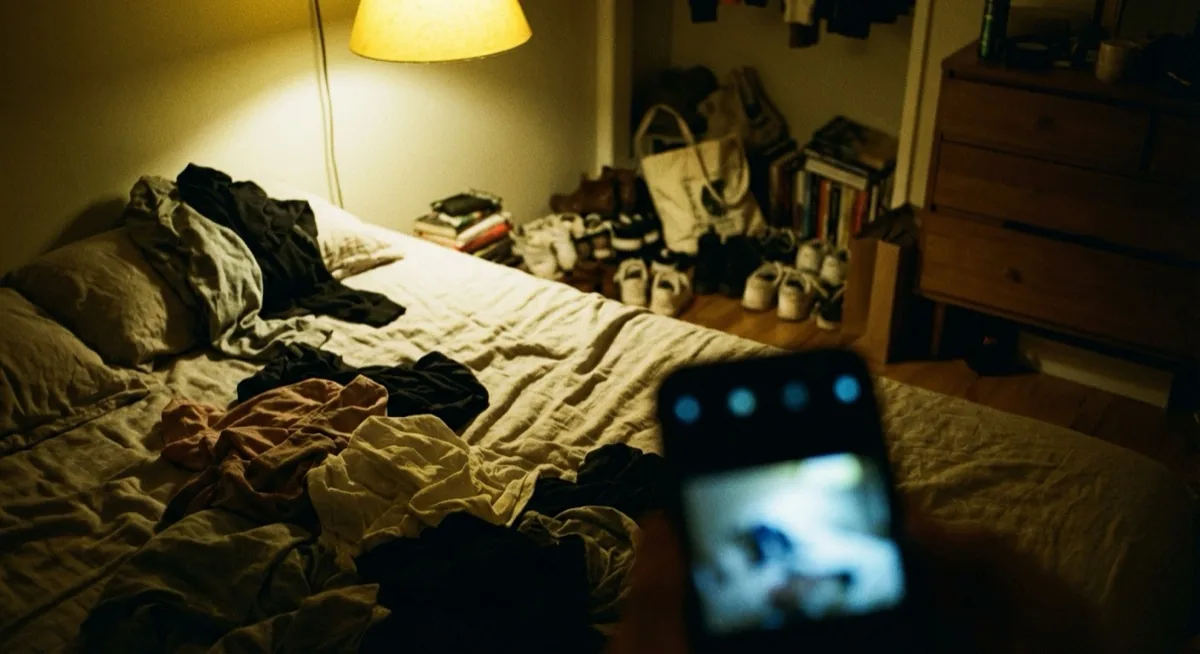
- Dark, blurry photos - no light = no sales. Shoot by a window during the day, not at night under a lamp
- Cluttered background - unmade bed, dirty floor, clothes in the background. Buyers judge you through your photo - clutter suggests a lack of care for the product
- Filters and over-editing - vintage, sepia, black-and-white, boosted colours. The buyer does not know the actual colour of the product and will not buy something they cannot be sure about
Each of these mistakes can be fixed in 5 minutes. Better photos mean faster sales - it really is that simple. If you are looking for the answer to how to sell on Vinted faster - start by replacing your photos with better ones, and your listings will instantly gain new life in the Vinted algorithm.
FAQ
How many photos should I add on Vinted?
Optimally 8-12 photos. Vinted allows up to 20 photos per listing.
What photo format does Vinted use?
Vinted's Help Centre does not state a required aspect ratio, resolution or maximum file size. A vertical 4:5 frame, for example 1080x1350 pixels, works well. Formats: JPEG, PNG, HEIC.
Can I use AI photos on Vinted?
The catalogue rules require photos to “represent the item as it is” and say plainly that “no image editing is allowed”. AI-generated photos, virtual try-ons and background removal break this rule, and moderation may remove such a listing. The safest choice is photos without editing, at most cropped and slightly brightened.
How does the Vinted algorithm evaluate photos?
The algorithm monitors CTR (thumbnail click-through rate). Listings with 8-12 photos get the highest visibility.
Summary - how to sell on Vinted with better photos
Great Vinted photos are not a matter of equipment or photographic talent. They are a matter of a few simple rules - and the most effective vinted tips you will find anywhere. Most sellers do not follow them - which gives you an enormous advantage when you sell clothes online UK-wide.
- Shoot in natural light - a window is the best and cheapest softbox
- Take 8-12 photos in a proven sequence - hero, back, on-body, details, label, flaws
- Prepare the product - 5 minutes of ironing does more than an hour of editing
- Crop in portrait 4:5 - Vinted does not impose a format, but a vertical frame shows clothing best
- Be honest - show flaws, do not retouch, do not use filters
If you sell on Vinted regularly and want to take your listings to the next level, check out our clothing photography and clothing photos services - we do product shoots for brands selling online.
Need professional product photos that sell? Get in touch with marszalstudio - we deliver packshot, lifestyle and flat lay sessions for e-commerce.