What AI image generators are and why ecommerce loves them
In 2026, an AI image generator is no longer a tech curiosity but a daily working tool for thousands of UK ecommerce sellers and marketers. Midjourney, Adobe Firefly, GPT Image - each one promises to revolutionise visual content. But which actually delivers in product photography?

A traditional product shoot in the UK costs between 60 and 120 GBP per image through a London or Manchester studio. AI generators? From 0.005 to 0.25 USD per image. For a brand with 200 SKUs (six images each), that's the difference between roughly 72,000 GBP a year and around 500 GBP. No wonder British retailers are stress-testing AI at scale.
Research from 2026 shows that 51.3% of consumers cannot tell AI images from professional photography in A/B tests. Before you bin the camera, read on - the devil is in the detail, and we have run every one of these tools against real ecommerce briefs for UK brands selling on Amazon UK, Etsy and Not On The High Street.
Midjourney v7 - king of aesthetics and photorealism
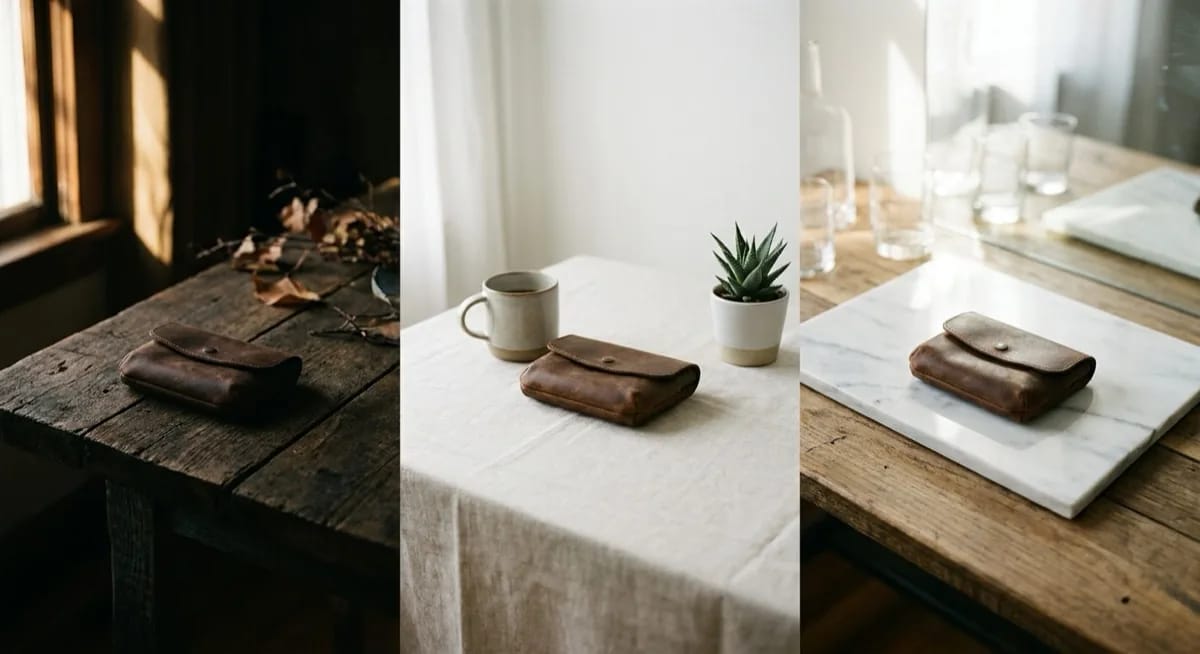
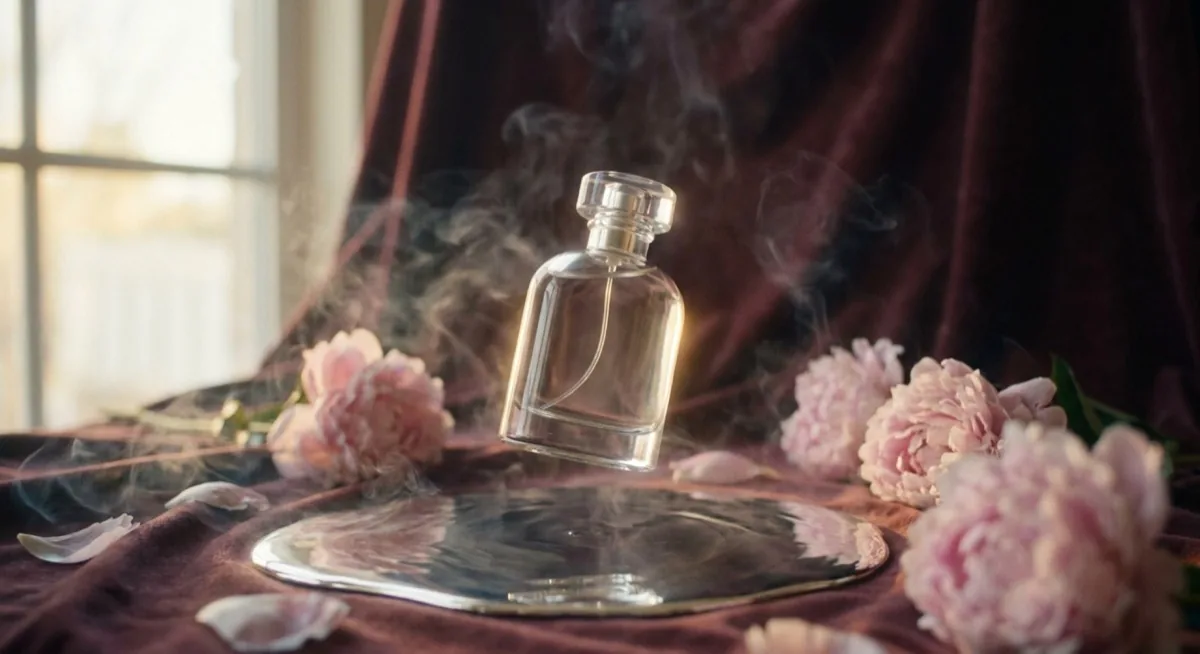
Midjourney has set the bar in AI image generation for years. Version 7, released in early 2026, is the biggest quality jump since launch. Photorealism scoring 9/10 means many viewers genuinely confuse Midjourney output with professional shoots.
Key Midjourney v7 features in 2026
The new version brings several breakthroughs. Draft Mode generates images 10 times faster at half the cost - perfect for rapid iteration. Personalization Profiles let the AI learn your brand visual style, saving hours of prompt tuning.
Omni Reference is the feature ecommerce teams have been waiting for - it keeps objects and characters consistent across generations. Add to that video generation up to 21 seconds and voice prompting, which lets you create images by speaking.
Midjourney for product photography - strengths
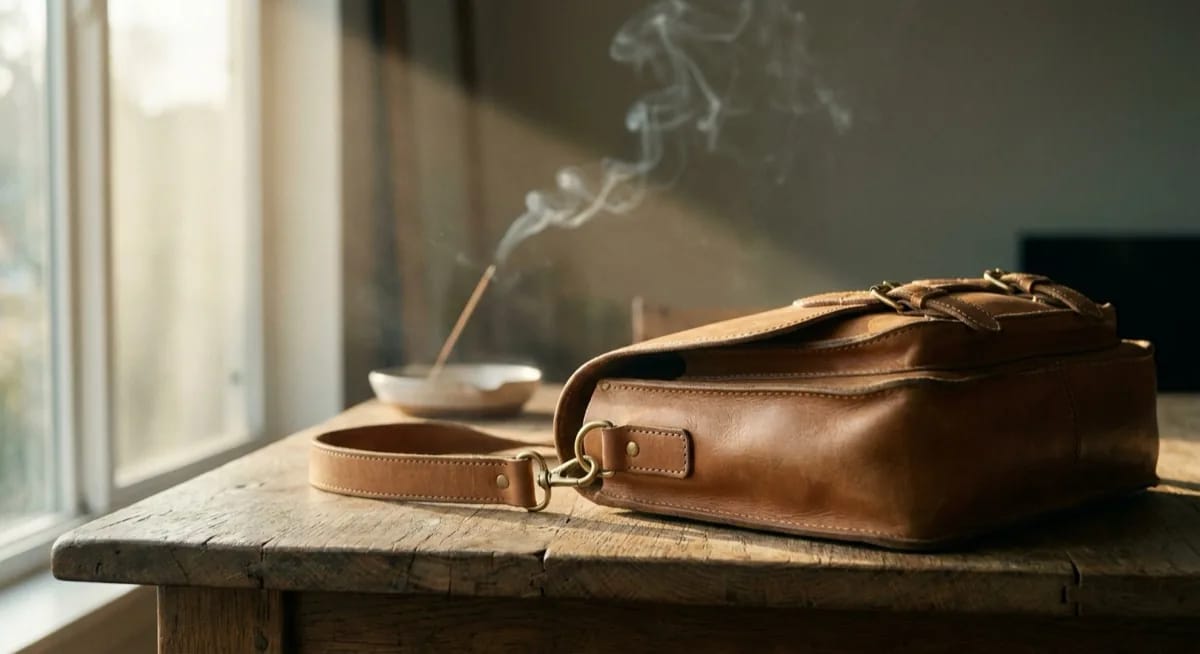
- Best photorealism on the market - 75% of attempts look like a professional shoot
- Phenomenal material rendering - fabric, metal and glass look authentic
- Cinematic lighting quality - dramatic shadows, natural reflections
- Massive community and thousands of ready prompts to learn from
Midjourney for product photography - weaknesses
- Generates "a product like yours", not "exactly your product" - no catalogue fidelity
- Text on labels often wrong - e.g. "CLARTIY" instead of "CLARITY" (5/10)
- Visual drift between generations - hard to keep a coherent catalogue
- Requires learning parameters (--ar, --style, --v) - steep learning curve
- 100-200 hours of prompt engineering for 50 consistent products
Midjourney pricing 2026
| Plan | Price | Images (Fast) | Cost per image |
|---|---|---|---|
| Basic | 10 USD/mo | ~200 | ~0.05 USD |
| Standard | 30 USD/mo | ~900 + unlimited Relax | ~0.03 USD |
| Pro | 60 USD/mo | Stealth mode | ~0.02 USD |
| Mega | 120 USD/mo | Extreme volume | ~0.01 USD |
Want to know how to write effective prompts for image generators? Check our deep dive into the 8 best AI image generators ranked, where we cover prompt structure for each tool, plus the wider field beyond the big four.
Adobe Firefly 4 - the only commercially safe generator
Adobe Firefly takes a completely different philosophy from Midjourney. While the competition races for the best photorealism, Adobe has bet on something equally critical for businesses - full legal protection and IP indemnification. For UK brands worried about copyright claims, this matters.
What's new in Adobe Firefly in 2026
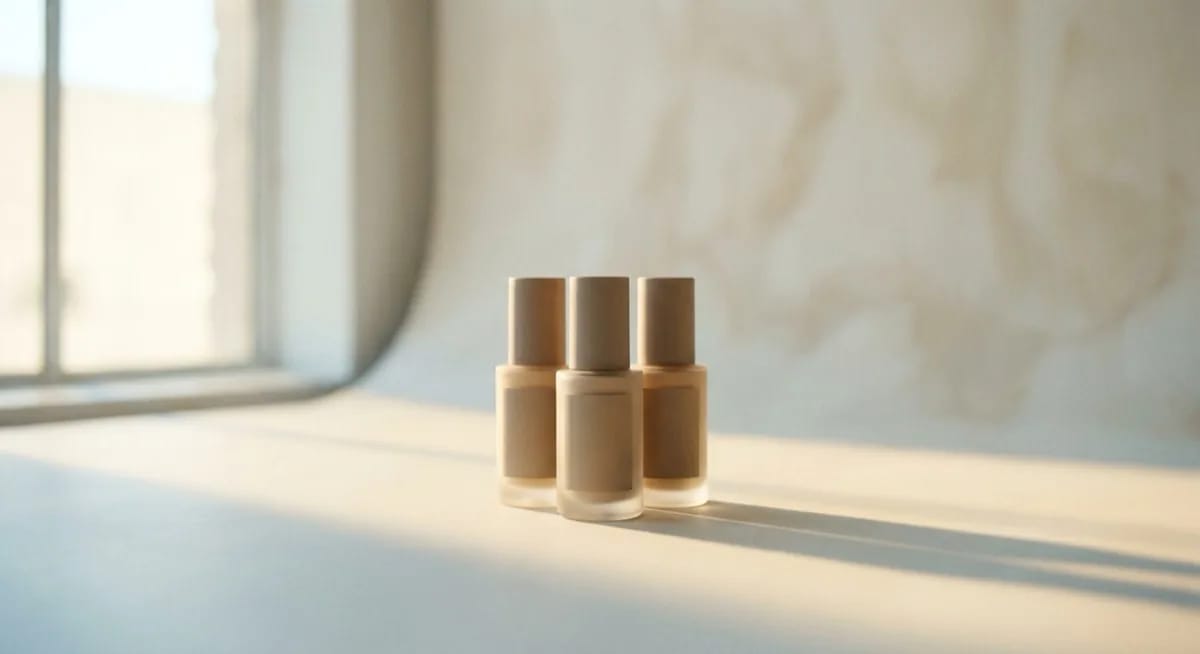
Image Model 4 significantly improved photorealistic rendering. The new AI Markup lets you draw and mark edit zones directly on the image. Precision Flow generates multiple variants from one prompt - ideal for A/B testing product images.
The breakthrough is Firefly AI Assistant - an agentic workflow that automates repetitive Creative Cloud tasks. From February 2026 Adobe also offers unlimited standard generations on paid plans, which removes the credit-counting stress.
Firefly for product photography - strengths
- The only generator with full IP protection - indemnification for commercial users
- Trained exclusively on licensed content (Adobe Stock)
- Native Photoshop, Lightroom and Illustrator integration - fits straight into existing workflows
- Easiest interface - intuitive even for non-technical teams
- Custom Models - train AI on your brand's visual style
Firefly for product photography - weaknesses
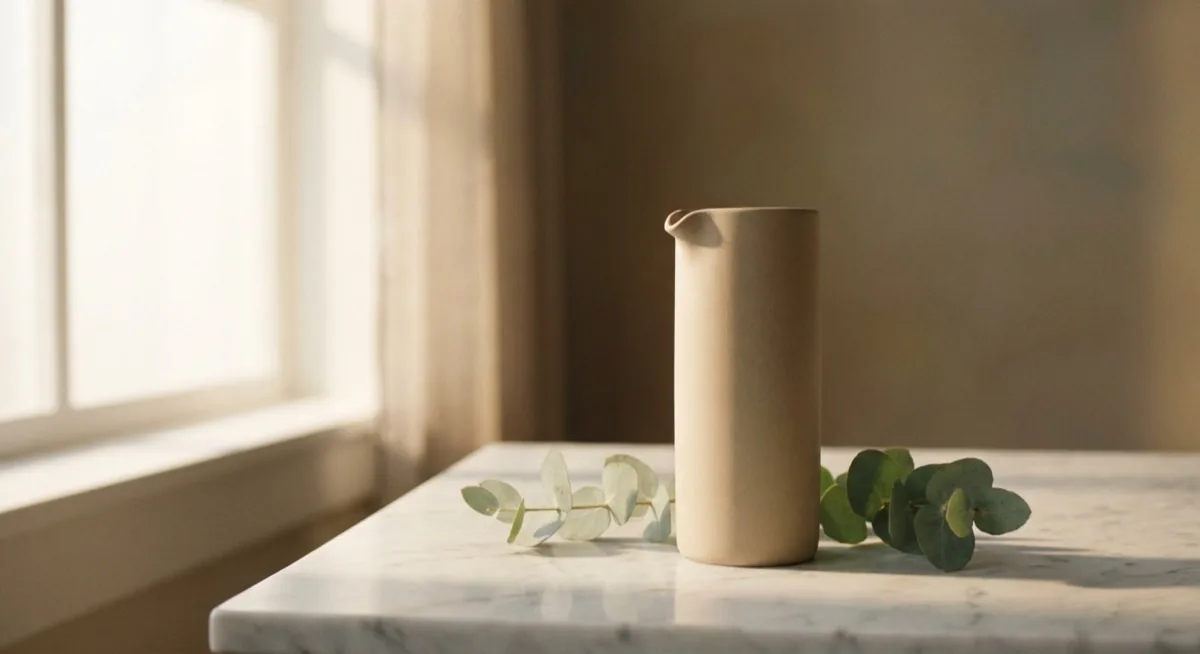
- "Stock photo" feel - visual genericness compared to Midjourney
- Less detail and emotional depth in lifestyle shots
- Artistic quality below Midjourney and Flux
- Closed Adobe ecosystem - requires Creative Cloud subscription
Adobe Firefly pricing 2026
| Plan | Price | Premium credits | Notes |
|---|---|---|---|
| Free | 0 USD | 25/mo | Basic features |
| Firefly Standard | 9.99 USD/mo | 2,000/mo | Unlimited standard generations |
| Firefly Pro | 19.99 USD/mo | 4,000/mo | Advanced features |
| Firefly Premium | 199.99 USD/mo | 50,000/mo | Enterprise |
| API | Pay-per-use | - | 0.02-0.10 USD/image |
If you are also exploring AI photo editing rather than full generation, see our review of the 5 best AI photo editors for 2026 - we cover Firefly's place in the Adobe ecosystem and how it stacks up against standalone editors.
GPT Image 1.5 (DALL-E 3 successor) - the easiest to use
Looking for information on DALL-E 3? Important update. OpenAI removed DALL-E 3 from ChatGPT in December 2025, and the DALL-E 3 API will be retired on 12 May 2026. The successor is GPT Image 1.5, built into GPT-5.4. It is an architecturally different model.
GPT Image 1.5 for product photography - strengths
- Best prompt accuracy - write a sentence and the AI executes it precisely (9.5/10)
- Outstanding text rendering - around 95% accuracy, market leader
- Clean, precise product shots out of the box
- Best conversational integration - iterate inside ChatGPT like a chat
- Available free (with limits) through ChatGPT Free
GPT Image 1.5 for product photography - weaknesses
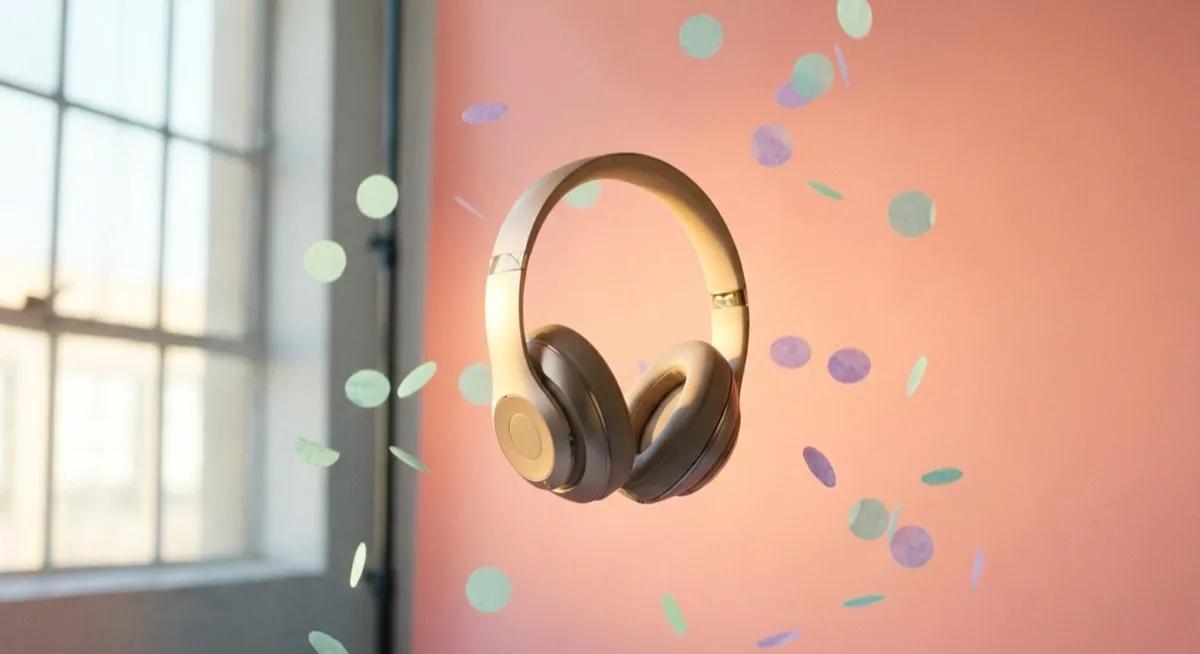
- Aesthetics "too perfect" - CG render feel, lacks Midjourney's natural look
- Limited resolution (1792x1024 max)
- Repetitive compositions - typically two objects, frontal camera
- Materials look "plasticky" - skin too smooth, wood too uniform
- Limit of ~50 images per 3 hours on ChatGPT Plus
GPT Image / DALL-E pricing 2026
| Plan | Price | Image limit | Cost per image |
|---|---|---|---|
| ChatGPT Free | 0 USD | Strict limits | 0 USD |
| ChatGPT Go | 8 USD/mo | Moderate | ~0.15 USD |
| ChatGPT Plus | 20 USD/mo | ~50/3h, ~200/day | ~0.10 USD |
| ChatGPT Pro | 200 USD/mo | Higher limits | ~0.02 USD |
| API GPT Image Mini | Pay-per-use | No limit | 0.005-0.052 USD |
For more on Google's competing model used heavily by UK retailers for background swaps, see our review of Nano Banana - the AI revolution in product photography.
The big comparison table - Midjourney vs Firefly vs GPT Image vs Flux vs Ideogram
Below is a complete comparison of the 5 most important AI image generators in 2026. Scores are based on our own tests on real ecommerce briefs, not vendor marketing materials.
| Criterion | Midjourney v7 | Adobe Firefly 4 | GPT Image 1.5 | Flux 2 Pro | Ideogram 3 |
|---|---|---|---|---|---|
| Photorealism | 9/10 - leader | 7/10 | 6.5/10 | 9/10 | 7.5/10 |
| Prompt accuracy | 7/10 | 7/10 | 9.5/10 - leader | 8/10 | 8/10 |
| Text in image | 5/10 | 8/10 | 9.5/10 - leader | 7/10 | 9.5/10 - leader |
| Series consistency | 6/10 | 7/10 | 7/10 | 9/10 - leader | 7/10 |
| Ease of use | 6/10 | 9/10 | 9.5/10 - leader | 5/10 | 8/10 |
| Legal safety | 5/10 | 10/10 - leader | 7/10 | 6/10 | 6/10 |
| Workflow integration | 6/10 | 10/10 - leader | 8/10 | 7/10 | 6/10 |
| Product photography | 8/10 | 7/10 | 7.5/10 | 8.5/10 | 7/10 |
| Entry price | 10 USD/mo | 0 USD (free tier) | 0 USD (free tier) | Pay-per-use | 7 USD/mo |
| Cost per image | ~0.05 USD | ~0.02-0.10 USD | 0.005-0.12 USD | 0.03-0.055 USD | ~0.09 USD |
| Video generation | Yes (21s) | Yes | No | No | No |
Flux 2 Pro - the quiet favourite for product photography
Flux 2 Pro rarely appears in popular rankings, yet among ecommerce professionals it is gaining serious traction. An open model with LoRA fine-tuning on your own products is a game-changer for larger catalogues - particularly relevant for UK fashion and homeware brands running 500+ SKU stores on Shopify.
Performance is impressive - 50 variants in roughly 8 minutes (vs 30-60 minutes on Midjourney). Cost of 0.03-0.055 USD per image through API makes it one of the cheapest options on the market. Material accuracy - metal, fabric, glass - matches Midjourney.
The catch? Flux requires technical skill. This is not click-and-generate. You need API knowledge, fine-tuning know-how and infrastructure. For technical teams - brilliant. For a single-handed Etsy shop - too complex.
Ideogram 3 - king of text in images
If your products require readable text on labels, packaging or marketing materials, Ideogram 3 has no equal. Typography rendering at 9.5/10 means text on bottles, boxes and posters looks almost flawless.
Pricing starts at 7 USD per month, which makes it one of the most accessible tools. It is ideal for marketing assets, packaging mock-ups and social media. For pure product photorealism, however, it sits below Midjourney and Flux.

Free AI image generator - is it worth it?
Looking for a free AI image generator? You have several options. ChatGPT Free gives you GPT Image 1.5 with strong limits - a few images per day. Adobe Firefly offers 25 free credits per month. Ideogram has a free plan with 10 generations daily.
For learning and experimentation, free plans are enough. For professional product photography - absolutely not. Limits, watermarks and reduced resolution mean serious work needs a paid plan. The cheapest entry is Ideogram at 7 USD or ChatGPT Go at 8 USD per month.
Hard data - why AI cannot replace a professional photographer in core ecommerce tasks
Before you commit 100% to an AI image generator, you need to know the hard numbers. Not the ones from marketing decks, but from real ecommerce research.
Conversion - professional photography wins
Professional product photos convert at 4.2%. AI-generated images - 2.8%. That is a 33% gap, which on high-volume UK ecommerce stores translates into hundreds of thousands of pounds in lost annual revenue.
ASOS, the UK fashion giant, tested AI models instead of real ones. The result? 18% higher return rate on products presented with AI models. Customers simply could not tell how the garment would look in real life.
Quality - 41% of AI images need manual correction
JungleScout research shows that 41% of AI product images require manual correction before publication. That is 15-30 minutes per SKU. Problems? Distorted proportions, unrealistic textures, illegible logos and "concept bleed" - when AI mixes elements from different products.
Meanwhile 67% of consumers recognise AI photos when they see them next to professional photography (McKinsey, 2024). In isolation most people cannot tell - but on a product page where shoppers compare your images with competitors, the difference becomes obvious.
Worried about the legal side of generating AI images for the UK and EU markets? Read our piece on the EU AI Act and product photography - regulations are moving fast and post-Brexit UK still mirrors most EU obligations for sellers exporting into Europe.
Hybrid approach - why a strong base photo is essential
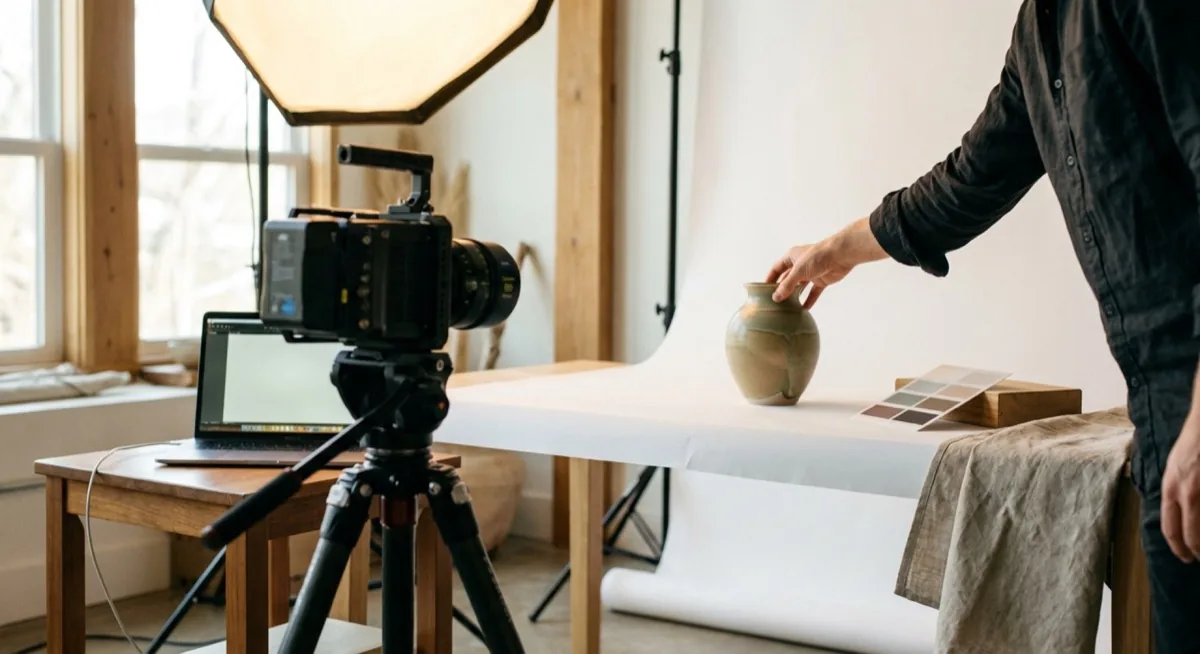
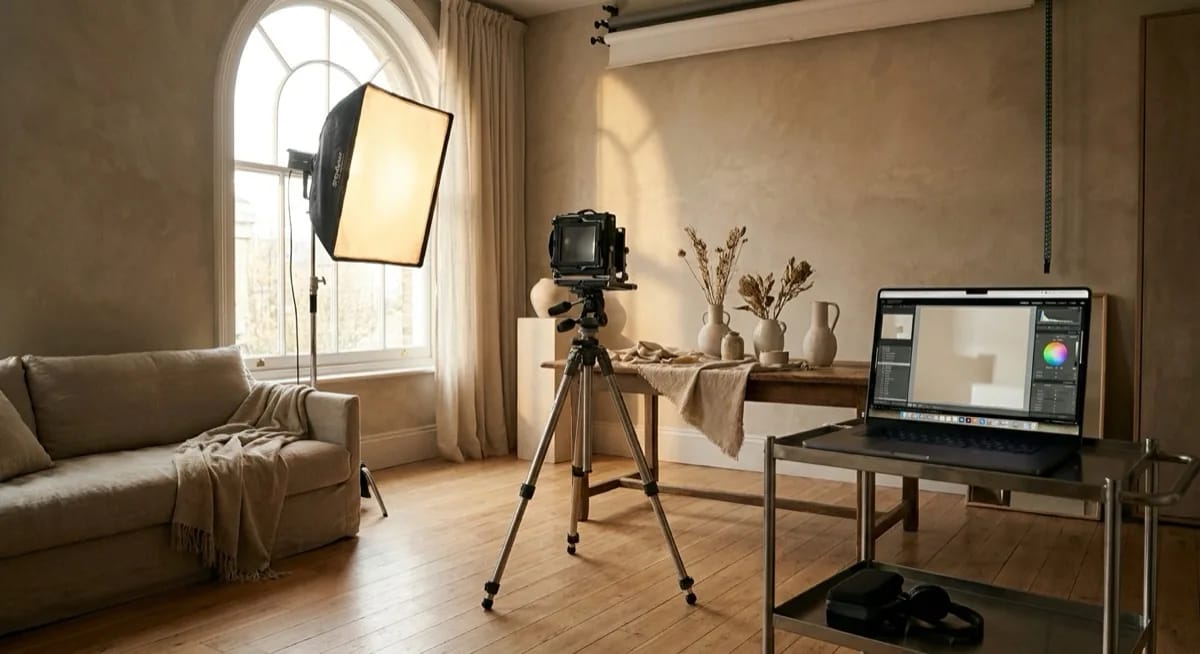
At marszalstudio we work daily with brands that combine professional shoots with AI tools. The pattern is clear - the hybrid approach delivers the best results. A professional base shoot plus AI for variants, backgrounds and lifestyle scenes.
Why? Because AI cannot replace a strong base photo. Generators are great at variants, background swaps and lifestyle scenes - but they start from your product. The better the base photo, the better the AI output. One professional packshot is the foundation from which AI will generate hundreds of variants.
On Amazon UK or Etsy a packshot has to be precise. Every product detail, every fabric texture, every label - it has to be your product, not "a product like yours". AI is excellent at adding lifestyle backgrounds, but the base packshot? You need a photographer and a controlled studio.
How much does the hybrid approach save?
A brand with 200 SKUs needing 6 images per product would traditionally spend around 72,000 USD per year. Pure AI would cost about 600 USD - but with the risk of lower conversion and higher returns. Hybrid approach? A base shoot (1-2 images per SKU) plus AI variants comes in around 12,000-16,000 USD - with quality close to traditional.
Want to learn the photography fundamentals before working with AI? Our photography business ideas guide is a sound starting point for anyone setting up a UK photo studio or pivoting an existing brand into hybrid AI workflows.
Specialist AI tools for ecommerce
Beyond the "big generators" there are tools built specifically for ecommerce. They are not trying to do everything - they do one thing and do it well. Several have a strong UK user base.
Photoroom - mobile leader for ecommerce
Photoroom processes more than 100 million images per month. Mobile-first, made for sellers on Amazon, eBay and Vinted - very popular among UK Vinted resellers and Etsy makers. Automatic background removal, lifestyle scene generation, batch processing. From 9 to 25 USD per month - with unlimited generations on the Pro plan. For a deeper look read our Photoroom 2026 review.
Google Product Studio - the free option built into Merchant Center
Google Product Studio is built into Google Merchant Center and is free for UK retailers running Google Shopping. AI background generation, scene swaps and image enhancement - directly in your product feed dashboard. Read our Google Product Studio guide to see how it stacks up against paid tools.
Pebblely and Claid - budget options
Pebblely gives you 40 free images per month with themed backgrounds - from minimalist studio to Christmas scene. Claid specialises in batch automation for large catalogues. Both target sellers who want quick, cheap quality lifts without learning complex prompts - useful for UK Etsy and Not On The High Street sellers running long-tail catalogues.
Which AI generator to choose - summary by use case
There is no single "best" generator. The choice depends on exactly what you need and what budget you have available.
| Use case | Best choice | Why |
|---|---|---|
| Campaign hero image | Midjourney v7 | Best aesthetics, cinematic quality |
| Amazon UK / eBay UK listings | Photoroom / Google Product Studio | Catalogue consistency, batch processing |
| Material with text/typography | GPT Image 1.5 / Ideogram 3 | Flawless text rendering |
| Corporate / regulated industry | Adobe Firefly 4 | IP indemnification, legal safety |
| Mood board / pitch deck | Midjourney v7 | Best vibe, artistic quality |
| Mass background variants | Flux 2 Pro | Speed, LoRA fine-tuning, low cost |
| Product image for online shop | Photo shoot + AI variants | Base accuracy + AI scalability |
| First generator (beginner) | ChatGPT Free / Firefly Free | Zero cost to start, easy interface |

AI generator pricing comparison - what you really pay
AI generator pricing can be confusing - credits, limits, plans. Below are the real costs at typical ecommerce volume (200 images per month).
| Tool | Plan | Price/mo | Cost for 200 images | Unlimited? |
|---|---|---|---|---|
| Midjourney | Basic | 10 USD | 10 USD | No (200 Fast) |
| Midjourney | Standard | 30 USD | 30 USD | Relax unlimited |
| Adobe Firefly | Standard | 9.99 USD | 9.99 USD | Standard unlimited |
| ChatGPT | Plus | 20 USD | 20 USD | ~200/day limit |
| Flux 2 Pro | API | Pay-per-use | 6-11 USD | Yes |
| Ideogram | Plus | 15 USD | 15 USD | No (credits) |
| Photoroom | Pro | 25 USD | 25 USD | Yes |
| Traditional photography (UK) | - | - | 12,000-24,000 GBP | No |
The cheapest option is Flux 2 Pro through API - 6-11 USD for 200 images. The best value-for-money? Adobe Firefly Standard at 9.99 USD with unlimited standard generations. For purely artistic needs - Midjourney Basic at 10 USD.
How to start with an AI image generator - practical tips
Whichever AI image generator you choose, several rules are universal.
- Start with the free plan - test ChatGPT Free and Adobe Firefly Free before paying
- Learn to describe lighting - "soft diffused light from the left" beats "well lit"
- Use reference images - show the AI an example rather than describing everything in words
- Plan a series, not single images - catalogue consistency matters more than one perfect shot
- Always verify details - zoom in, check text, proportions, shadows (41% need correction!)
- Consider the hybrid approach - professional packshot plus AI background variants
Summary - AI image generator in 2026
The AI generator market in 2026 has matured to the point where every tool has its niche. Midjourney v7 dominates photorealism and aesthetics. Adobe Firefly 4 is unbeatable for legal safety. GPT Image 1.5 wins on accuracy and ease of use. Flux 2 Pro is the choice for technical professionals. Ideogram 3 rules typography.
But the most important takeaway is one - AI is a tool, not a replacement. A 4.2% conversion on professional photography vs 2.8% on AI says it all. Brands that combine a base shoot with AI variants achieve the best results - professional quality at a fraction of the traditional cost.
Need base photography that AI can turn into hundreds of variants? Get in touch - at marszalstudio we specialise in product photography optimised for downstream AI processing for UK and EU ecommerce brands.
Frequently asked questions
It depends on your needs. For pure photorealism and lifestyle scenes, the best is Midjourney v7. For commercially safe use - Adobe Firefly 4. For mass production with fine-tuning - Flux 2 Pro. For the strongest results, combine a professional base shoot with AI variants - the hybrid approach delivers the highest conversion.
Yes - Adobe Firefly is the only major AI generator with full IP indemnification. That means Adobe takes legal responsibility for content generated by Firefly. The model is trained exclusively on licensed Adobe Stock content, which removes copyright risk. For UK brands in regulated industries (finance, healthcare, alcohol), it is the only safe choice.
Midjourney offers 4 plans: Basic at 10 USD/mo (~200 images), Standard at 30 USD/mo (~900 Fast + unlimited Relax), Pro at 60 USD/mo (with Stealth mode) and Mega at 120 USD/mo. For a typical UK ecommerce seller the Standard plan at 30 USD gives the best price-to-capability ratio.
Not fully. DALL-E 3 was removed from ChatGPT in December 2025, and the API will be retired on 12 May 2026. The successor is GPT Image 1.5, built into GPT-5.4. The new model is architecturally different and offers better prompt accuracy and text rendering. If you used DALL-E 3, switching to GPT Image is the natural next step.
Not really. Professional photos convert at 4.2%, AI at 2.8% - a 33% gap. ASOS reported 18% more returns on AI models. AI is excellent for background variants, lifestyle scenes and A/B tests, but the base product packshot - with accurate details, proportions and labels - needs a professional shoot by a photographer. The hybrid approach delivers the best results.
Midjourney v7 delivers the best aesthetics and photorealism (9/10) but struggles with series consistency (6/10) and demands intensive prompt engineering. Flux 2 Pro offers comparable photorealism (9/10), better consistency (9/10 with LoRA fine-tuning) and significantly higher throughput (50 variants in 8 minutes vs 30-60 minutes). Flux is cheaper (0.03-0.055 USD/image) but requires technical knowledge and API setup.